Let’s See How Organized and Casual ChatGPT Users Search for last Conversations
These scenarios show how different user types attempt to retrieve previous conversations — and where the experience falls short.
Introduction
This case study dives into the challenge of managing ChatGPT’s growing chat history. As users accumulate countless conversations, finding and revisiting specific chats becomes increasingly difficult. Through in-depth user research and iterative design, we uncovered key frustrations around discovering, organizing and reusing past conversations. We then crafted targeted solutions to help users quickly find, resume, and manage them.
Desk Research
User Interview
Market Research
Persona Creation
Story Board
Brainstorm
Feature Prioritization
Wire-framing
Prototype
Usability Testing
High-Fidelity UI
Background
This project was a collaborative UX initiative aimed at transforming how users manage and retrieve their ChatGPT Conversations. Together with two other designers, we took a research-driven approach to tackle the issue.
Where
Montreal, Canada
My Role
Designer, Researcher
What
Responsive Web Redesign
Catagory
AI Application
Why
Portfolio Project
When
Aug 2025-Oct 2025
Posts and comments on the internet show that many ChatGPT users find it hard to keep their chat history organized.
Despite serving over 400 million weekly users, ChatGPT offers limited tools for organizing chat history. As conversations accumulate, users struggle to revisit, manage, and make sense of past interactions. Over time, chats become disconnected, difficult to search, and hard to reuse — especially for long-term or recurring work.
Through desk research across Reddit, the OpenAI community, and YouTube, we identified consistent frustration around chat organization and discoverability.
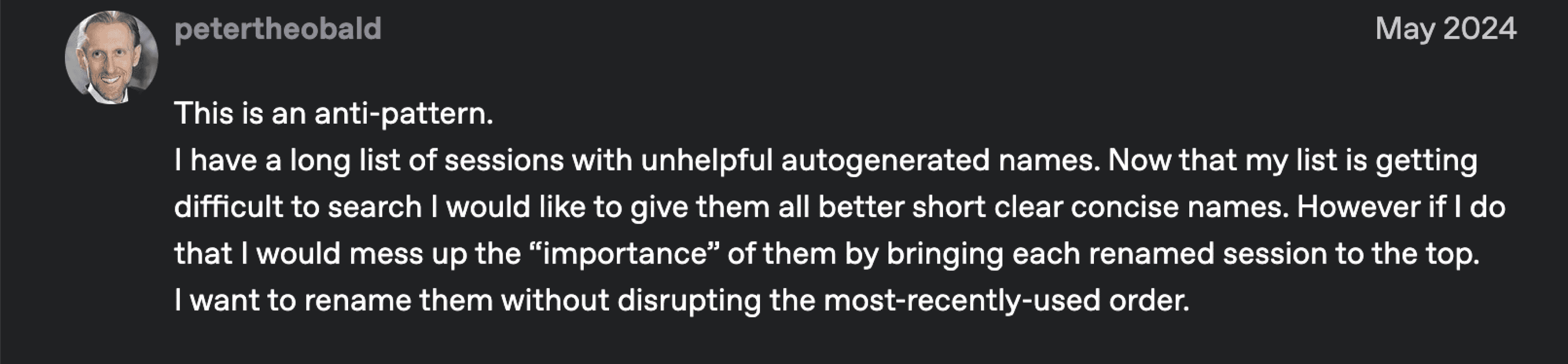
An example of User feedback on reddit highlights real-world friction with chat organization and its retrieval.

Search Is Inefficient
Searching for a keyword sends users to the beginning of a conversation, forcing them to manually scroll to find relevant information. This makes retrieval slow and cognitively demanding.

Renaming Disrupts Natural Order
While renaming chats helps users stay organized, it unintentionally reshuffles chat order, breaking expectations around recency and making navigation confusing.

Projects Only Solve Part of the Problem (Paid Users)
Projects allow users to group new chats, but do not support organizing existing conversations. As a result, much of the chat history remains unmanaged and difficult to navigate.

Lack of In-App Organization Drives Workarounds
As chat history grows, users lack tools to group, categorize, or restructure conversations. To compensate, many rely on external tools or browser extensions.
Interview with users validated the challenging chat history organization
To validate our desk research findings, we conducted nine remote user interviews focused on how people use ChatGPT for personal and work-related tasks. Across participants, we consistently observed breakdowns in chat discovery, organization, and control as conversation history grows.

“I didn’t know there was a search bar”
Some Features Are Hard to Discover
Many users are unaware of existing organization tools such as search, Projects, and Temporary Chat. These features lack visibility and clear affordances, making them easy to miss during everyday use.

“wish I could filter or sort by date, scrolling takes forever.”
Finding Old Chats Is Slow and Frustrating
Search doesn’t help users quickly find what they need. There are no filters or sorting options, and users often have to scroll through long conversations.

“Sometimes I just start a new chat because it’s faster.”
Organization Breaks Down as Chat History Scales
As chat history grows, the flat list of conversations becomes overwhelming. Users rely on scanning titles, memory, and recency rather than structured organization. When chats become hard to find, users abandon retrieval and start over.

“I renamed it, but I still can’t find it later.”
Renaming Chats Doesn’t Solve Discoverability
While users rename chats or use Projects to stay organized, these actions don’t meaningfully improve retrieval. Auto-generated titles are often vague, repetitive, or inaccurate, and there are no supporting tools like pinning, tags, or folders.
Meet the organized user and the casual user whose Pain Points shaped our design solutions
These personas reflect real user behaviors observed during research and helped us design solutions that work for both frequent and casual ChatGPT users.
Olivia Organizer
Software developer
Uses ChatGPT for: long-term projects, comparisons, and research
Goal: stay organized, reuse past work, and work efficiently
Pain points:
Search opens chats at the start, forcing manual scrolling
Auto-generated titles are unclear and hard to scan
Renaming chats doesn’t improve fundability
No folders, tags, or search within Projects
Sam Casual
College student
Uses ChatGPT for: quick questions and one-off tasks
Goal: get answers fast with minimal effort
Pain points:
Doesn’t notice features like search, Projects, or rename
Relies on scrolling to find old chats
Starts new chats when retrieval feels slow
Let’s See How Organized and Casual ChatGPT Users Search for last Conversations
These scenarios show how different user types attempt to retrieve previous conversations — and where the experience falls short.
2-Sorted and Organize
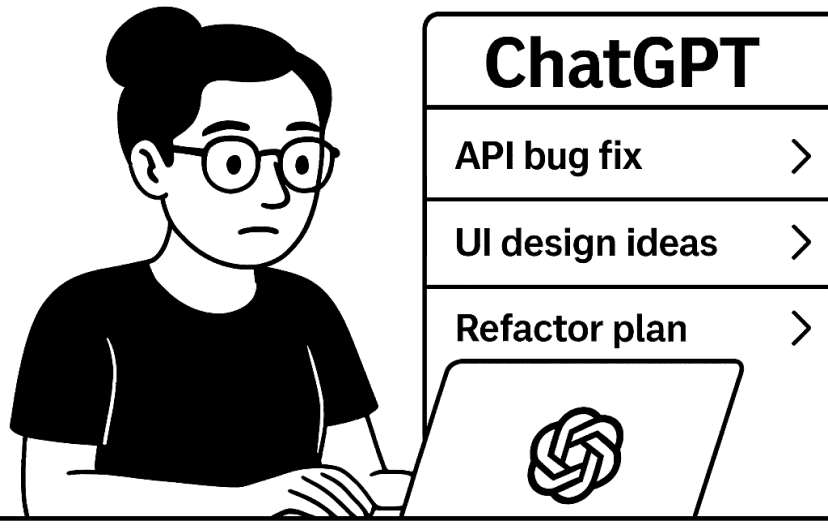
She likes to keep every thing organized so she separate chats for each task and rename them
3-Need That Chat Again
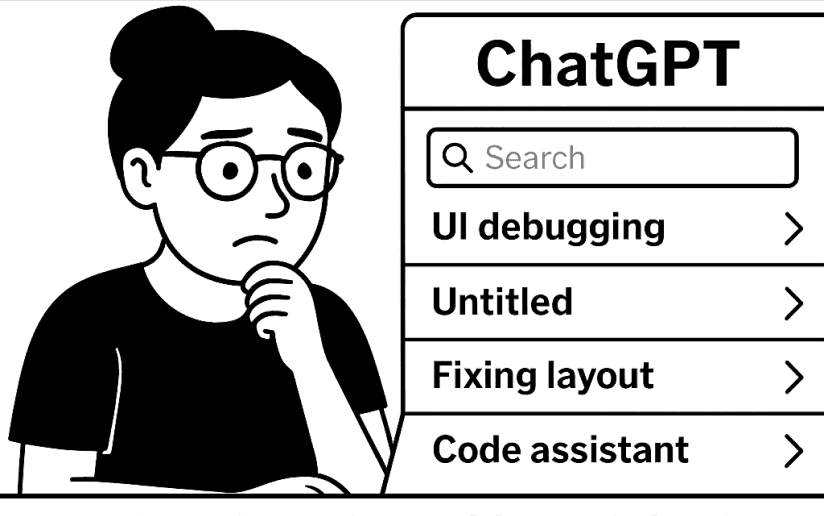
Few days later she revisit her chats to
find a useful response
4-What Did I Call It?
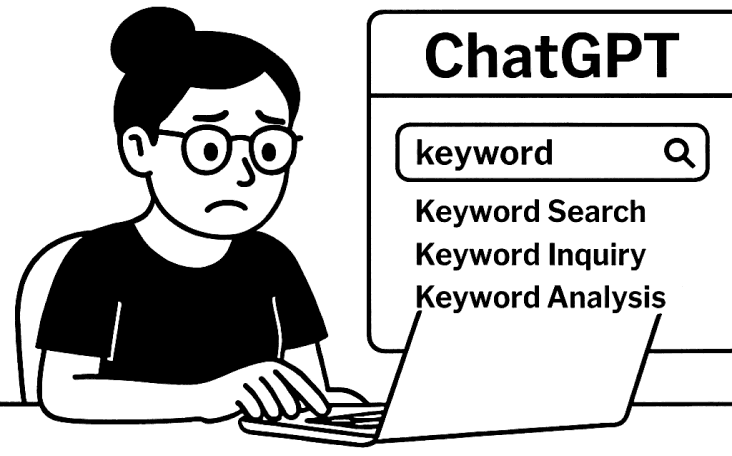
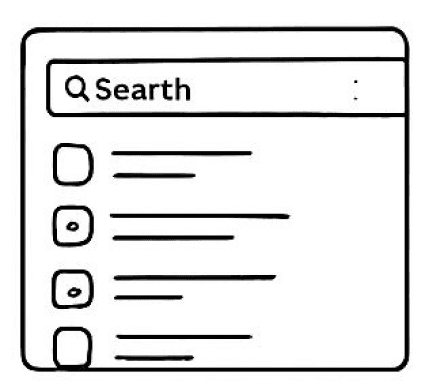
She decide to search but she can’t remember the keyword at first
5-Still Can’t Find It
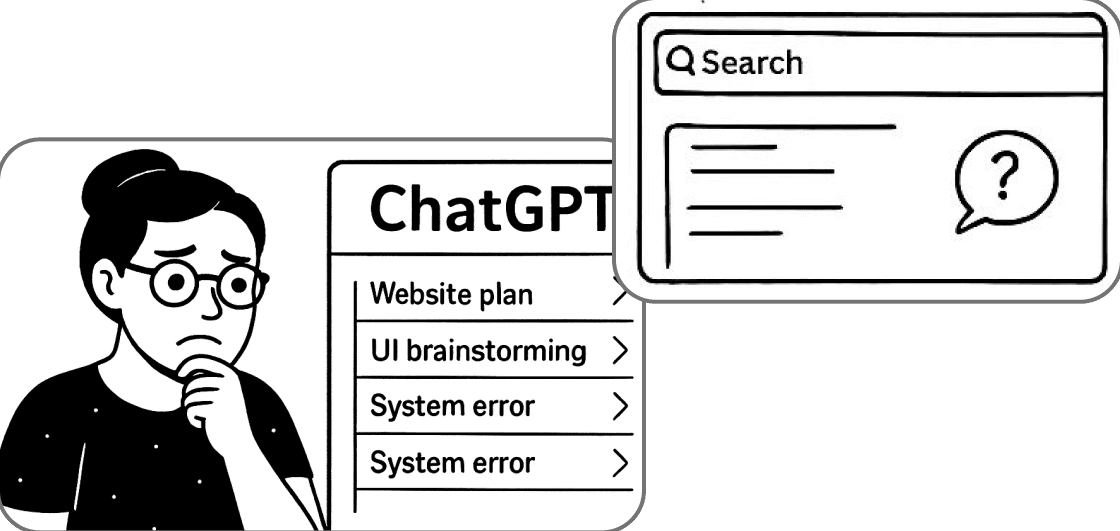
After trying different keywords she found the chat but now she has to scroll through her long conversation to find the desired Keyword
Olivia Organizer
Software developer
1-Started A New Project
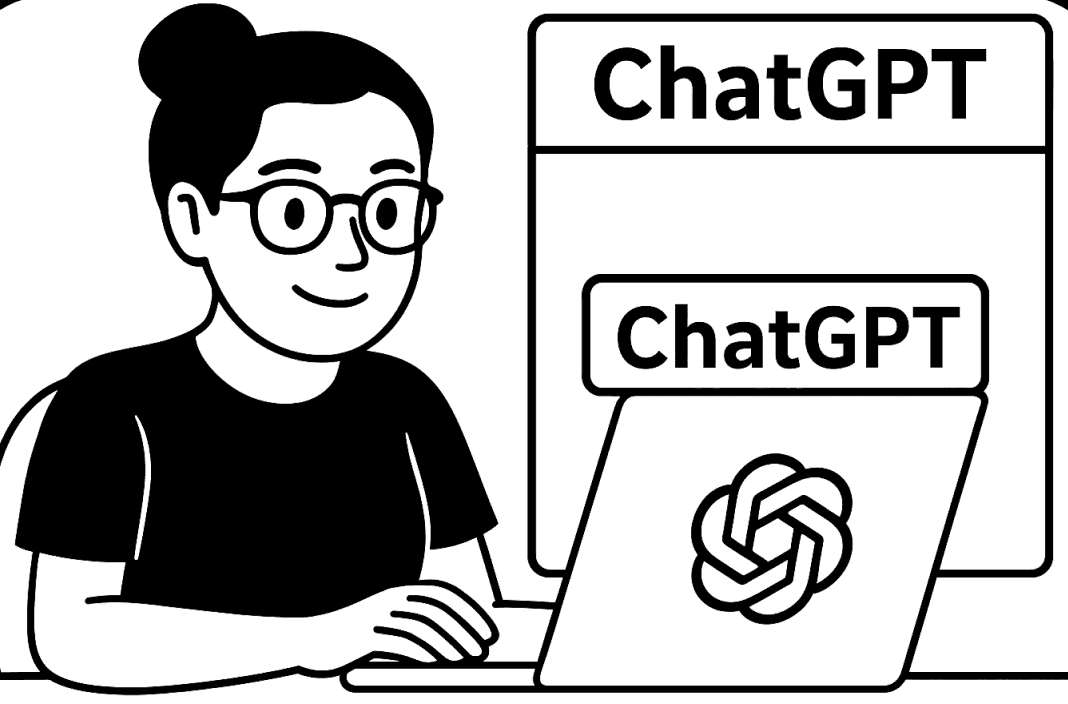
Olivia, a software developer, starts a new coding project. Olivia, a software developer, starts a new coding project.
2-You’ve Got to See This
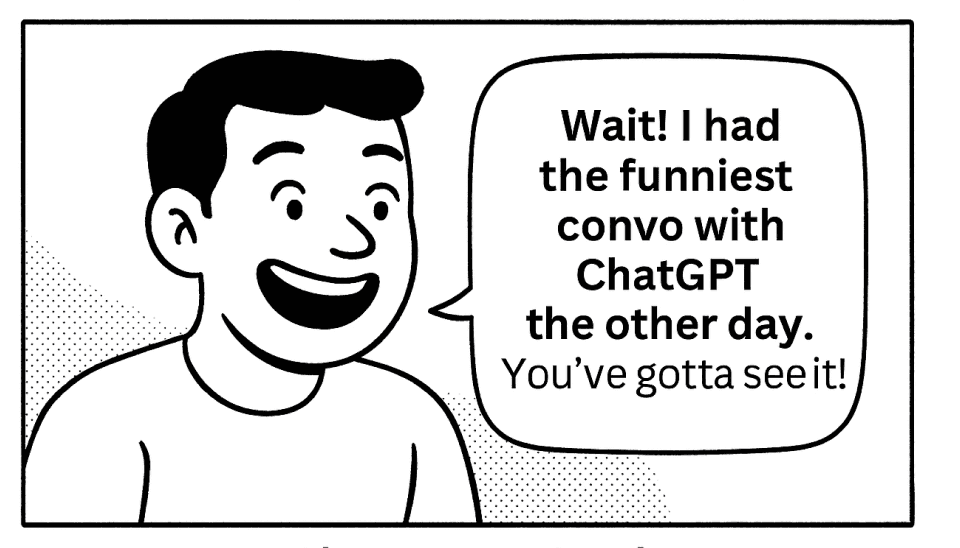
“Wait! I had the funniest convo with ChatGPT the other day. You’ve gotta see it!”
3-The Scroll Begins
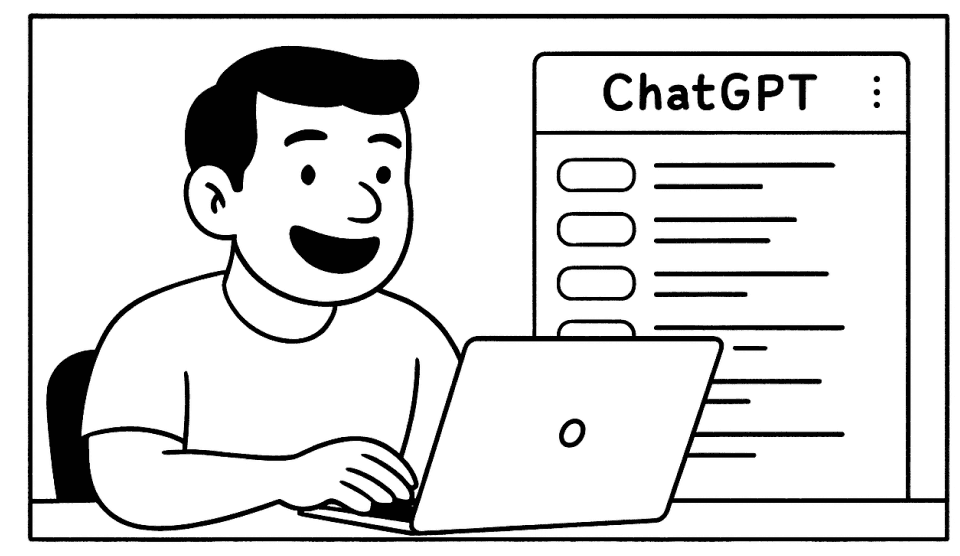
He opens ChatGPT, thinking he’ll find the chat in seconds.
5-Frustration Builds
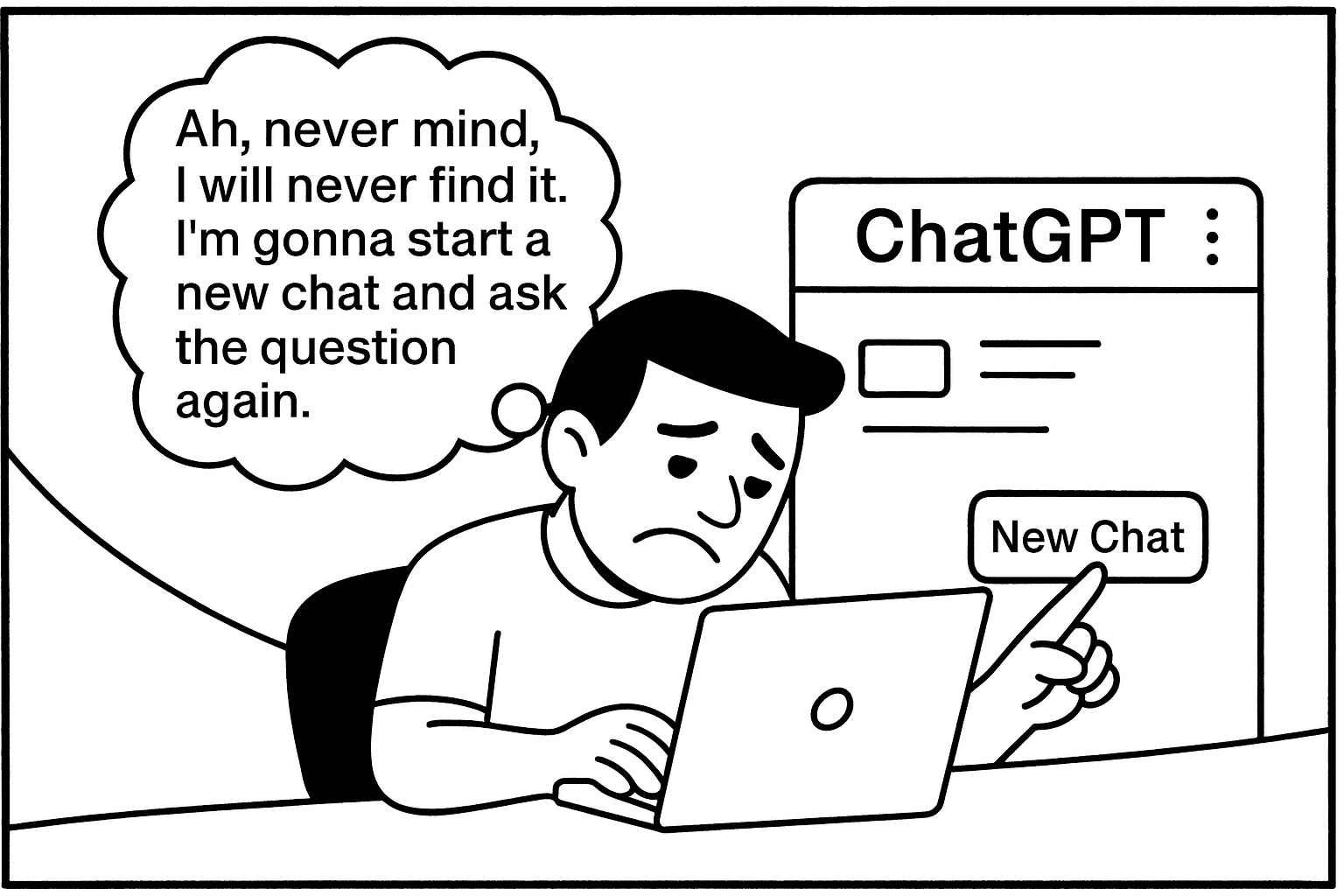
Ah never mind I am gonna ask it again..
4-Where Is It?
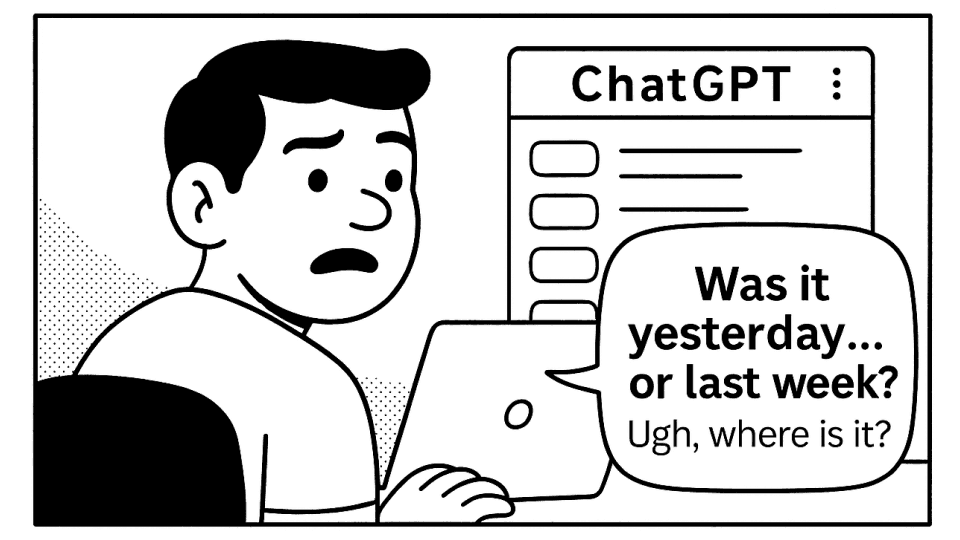
“Was it yesterday… or last week? Ugh, where is it?”
Sam Casual
College student
1-Library Vibes

Sam and his friend take a short study break, laughing over something silly.
Learning from the Market: Proven Features That Transform Chat Findability






Search with Smart Highlightin
Jump directly to searched terms within conversations, with keywords highlighted for instant visibility.
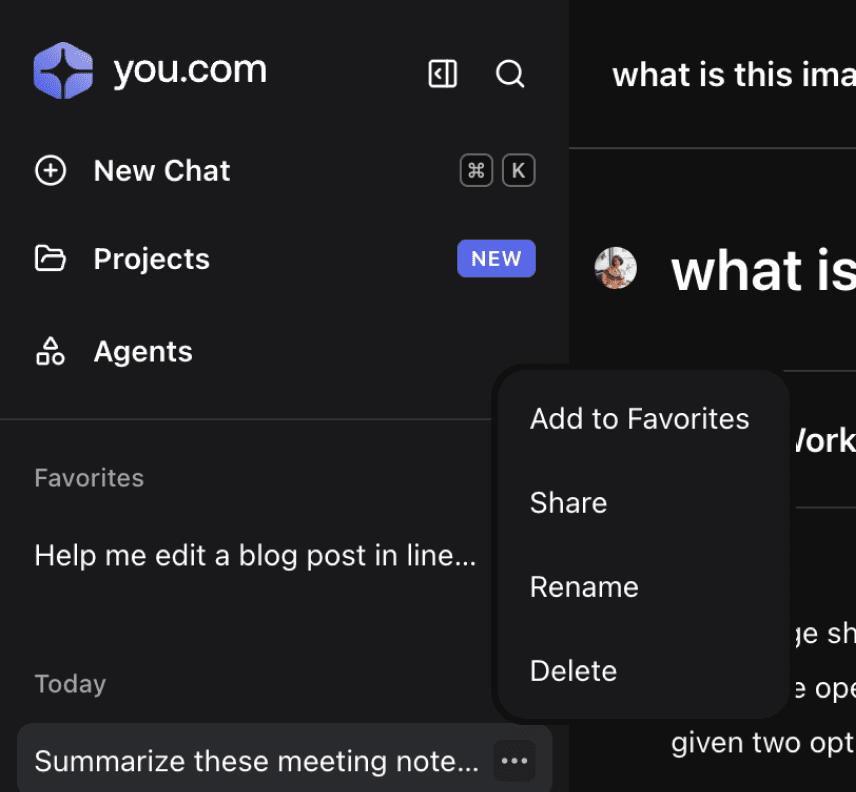
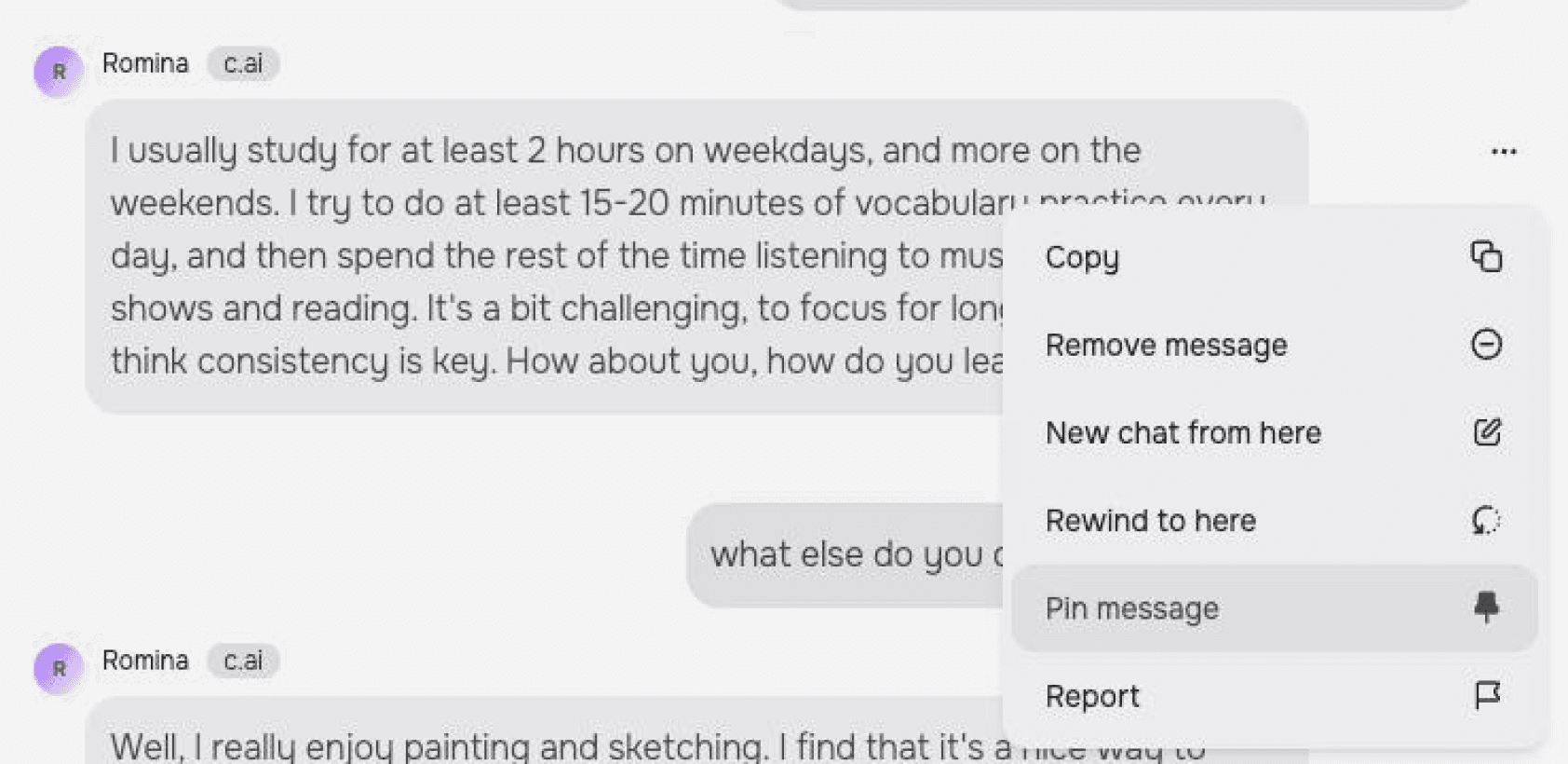
Pin What Matters Most
Bookmark or pin important chats to keep them accessible at the top of your sidebar.
Scan Faster with Visual Cues
Tags, emojis, and color coding make it easy to identify conversations without reading every title
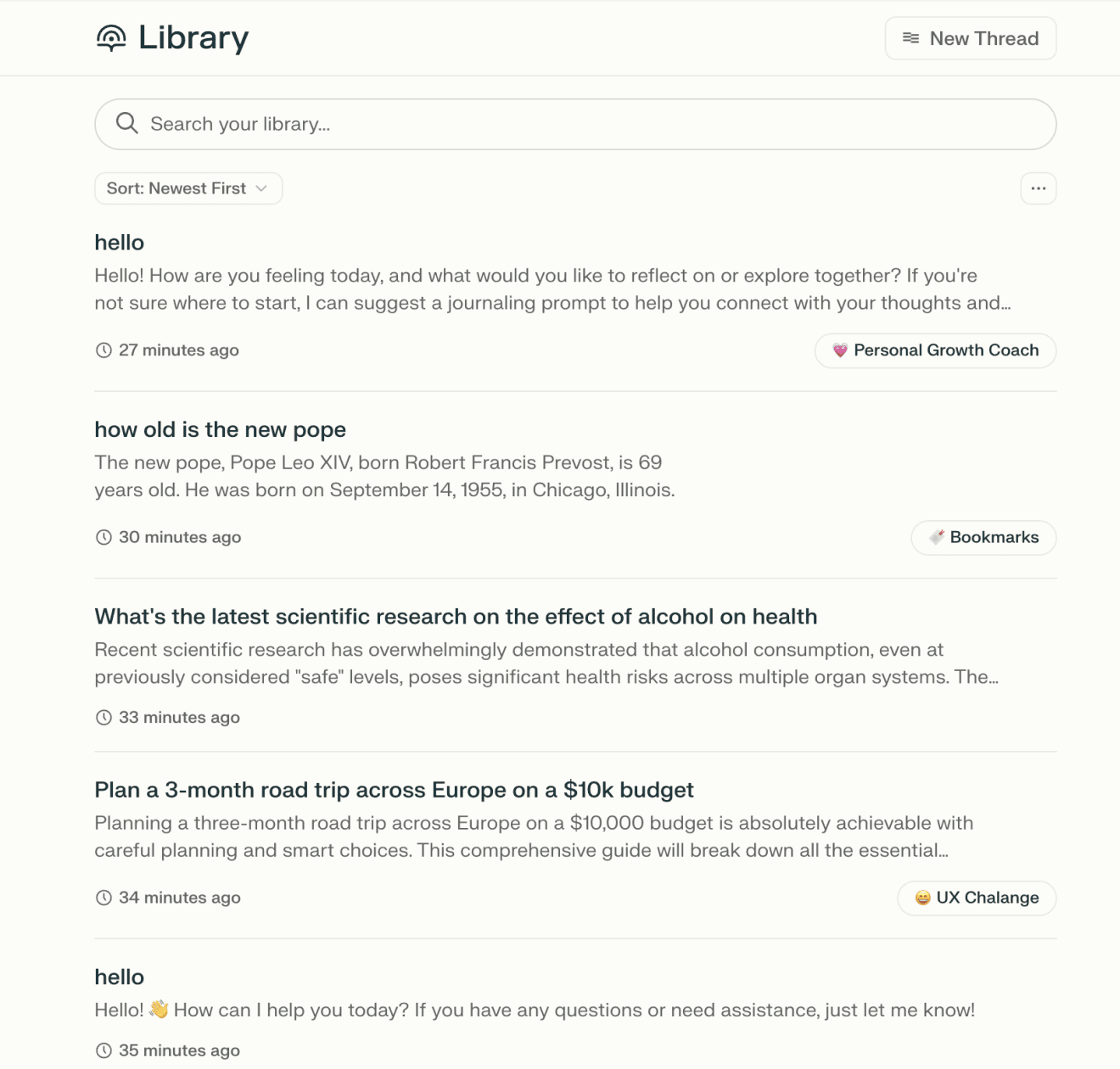
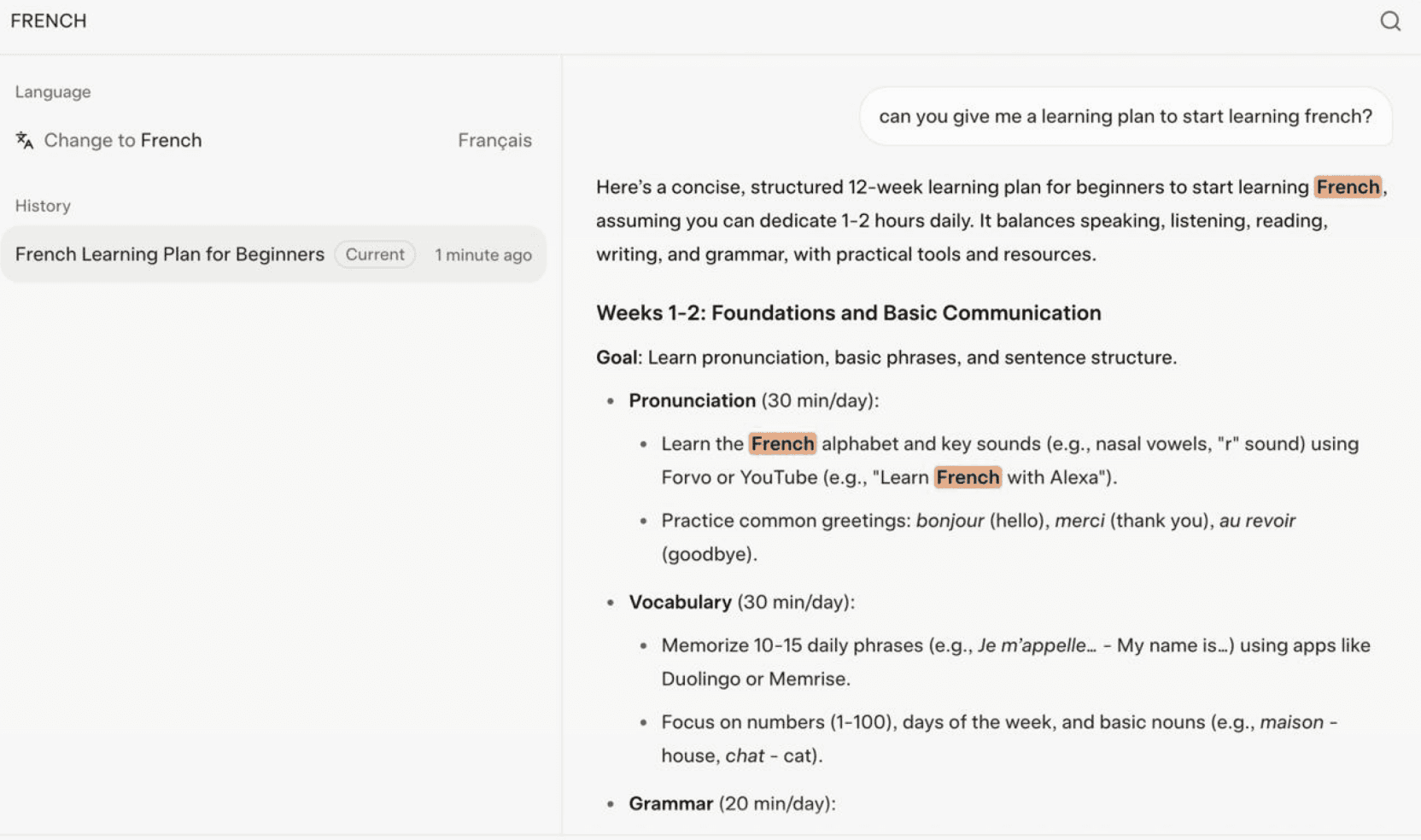
Tags for easier scanning
Highlights keywords to make search easier
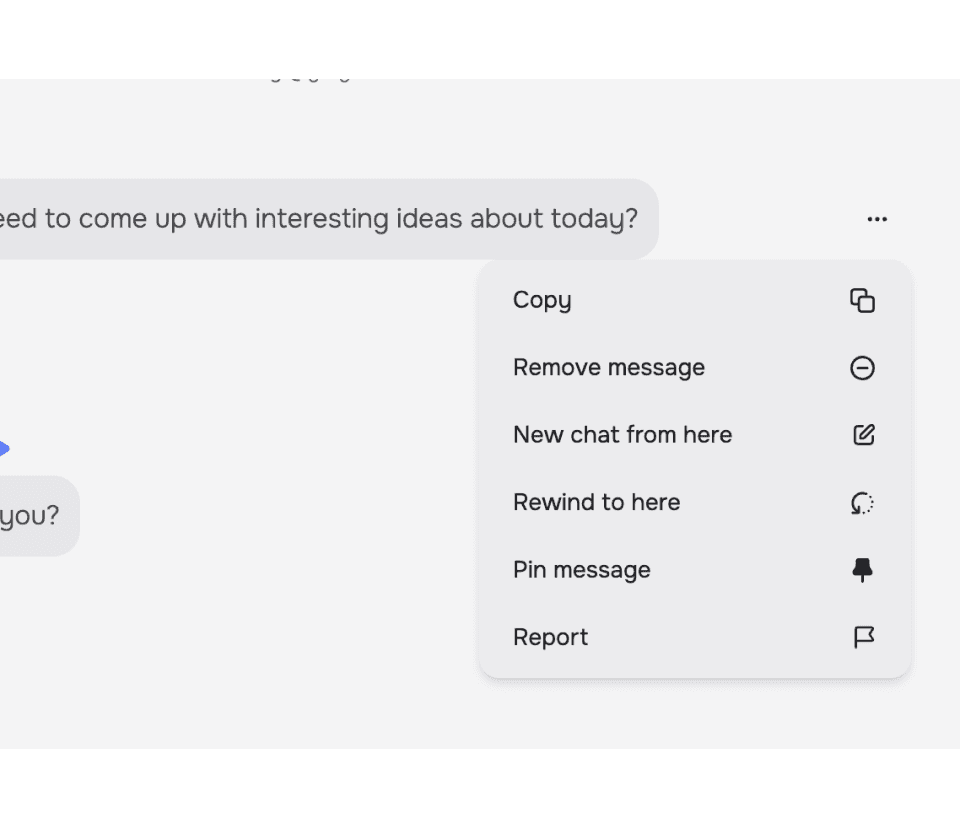
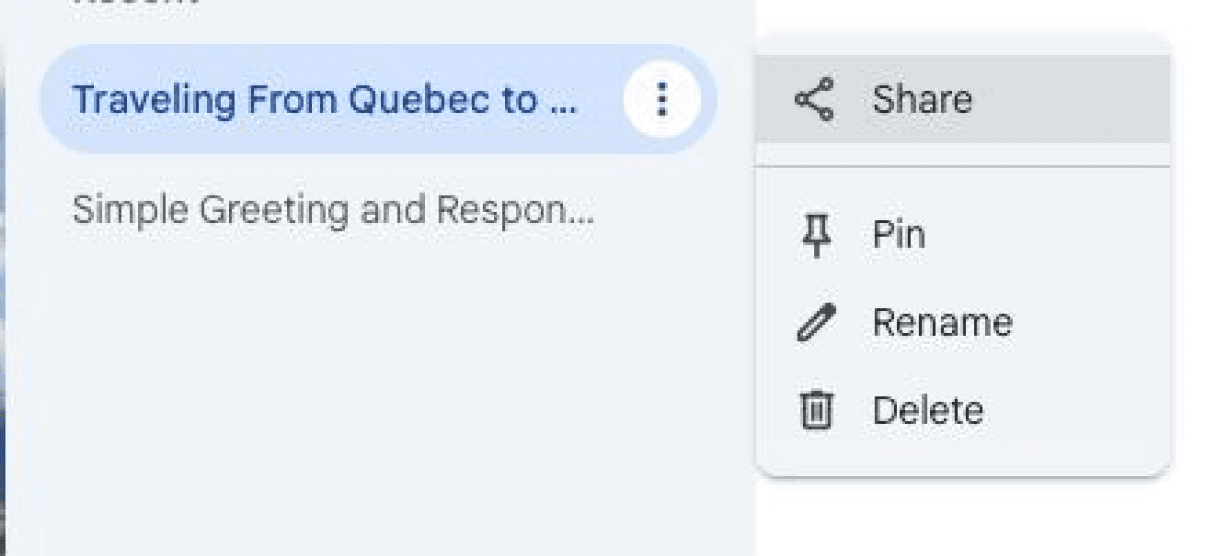
Pin/Add to favorite



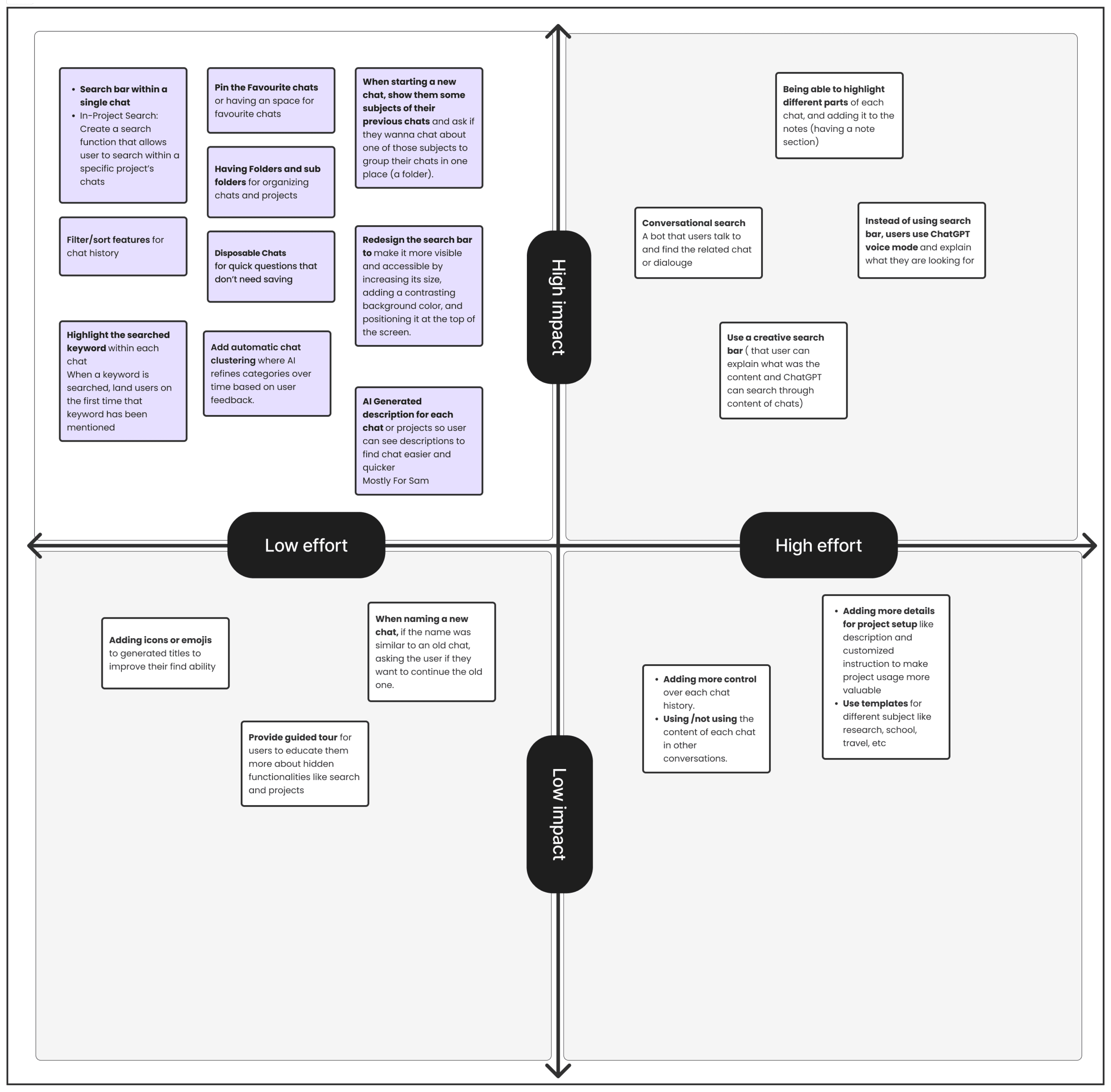
From Insights to Action: Feature Prioritization
To translate research into action, we evaluated ideas using an impact-effort framework. Although real-world prioritization often involves engineering and product stakeholders, this exercise was informed by user research, mentor guidance, and reasonable assumptions about feasibility.
Lets Visualize the solutions
In this step, we turned our ideas into actionable designs.
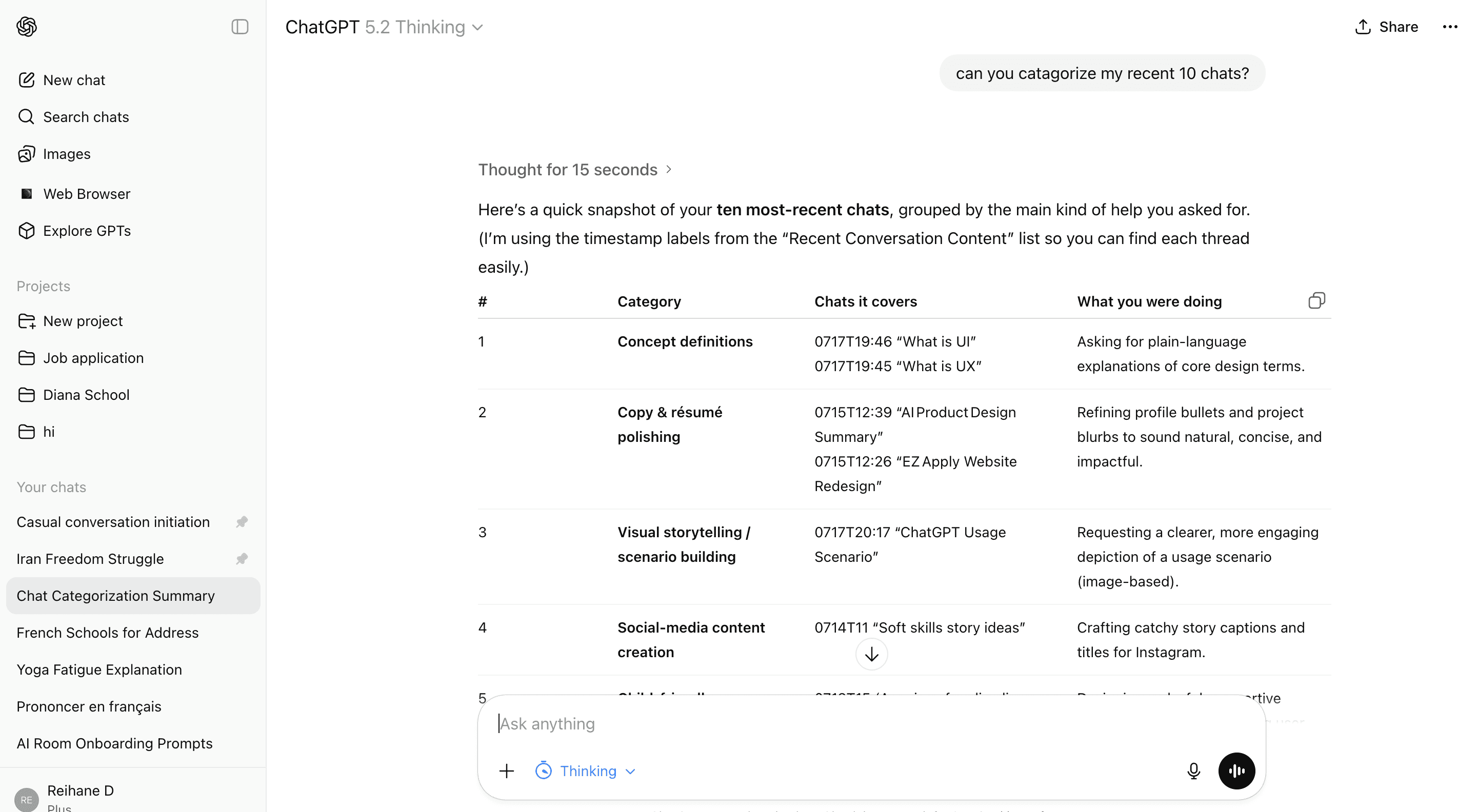
Search Functionality
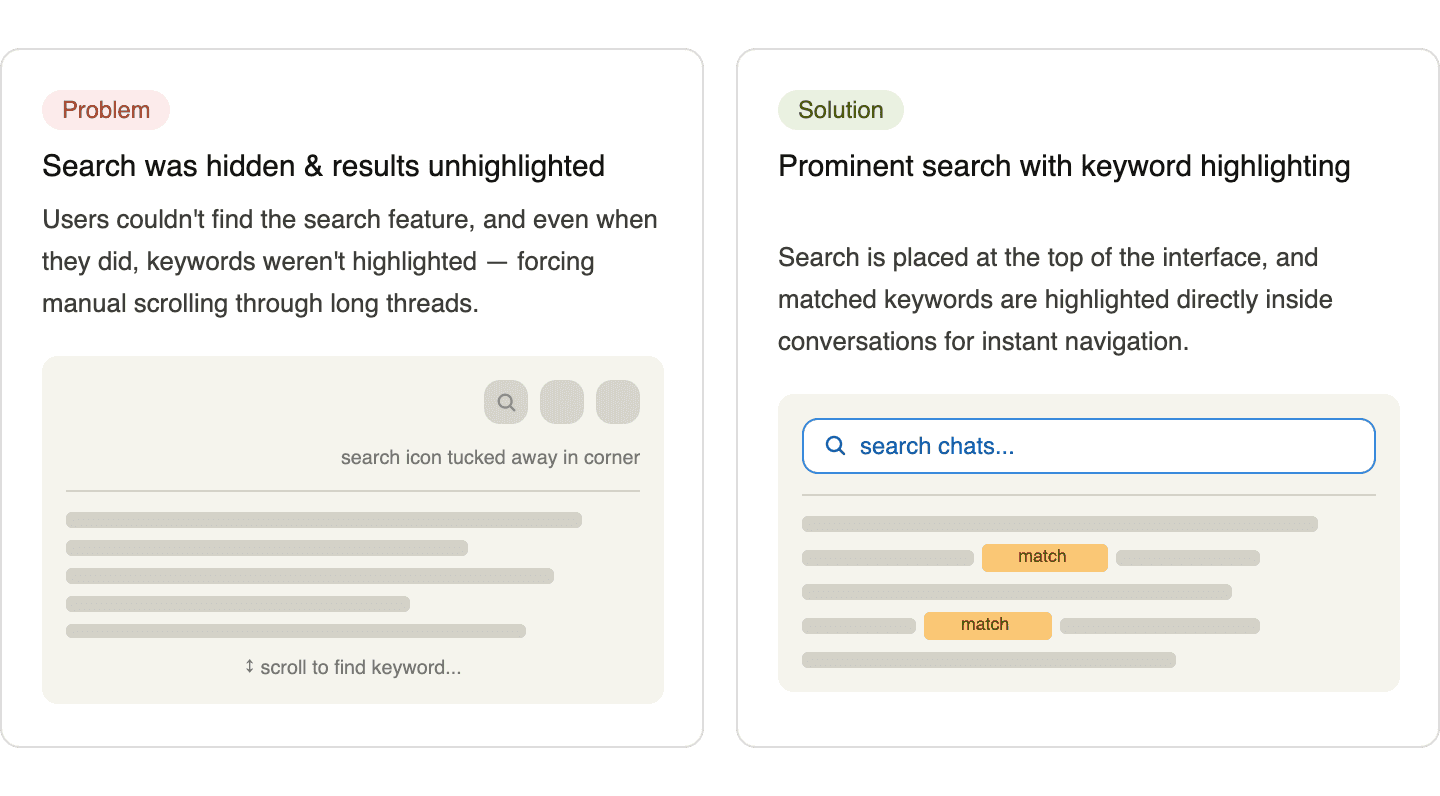
Before
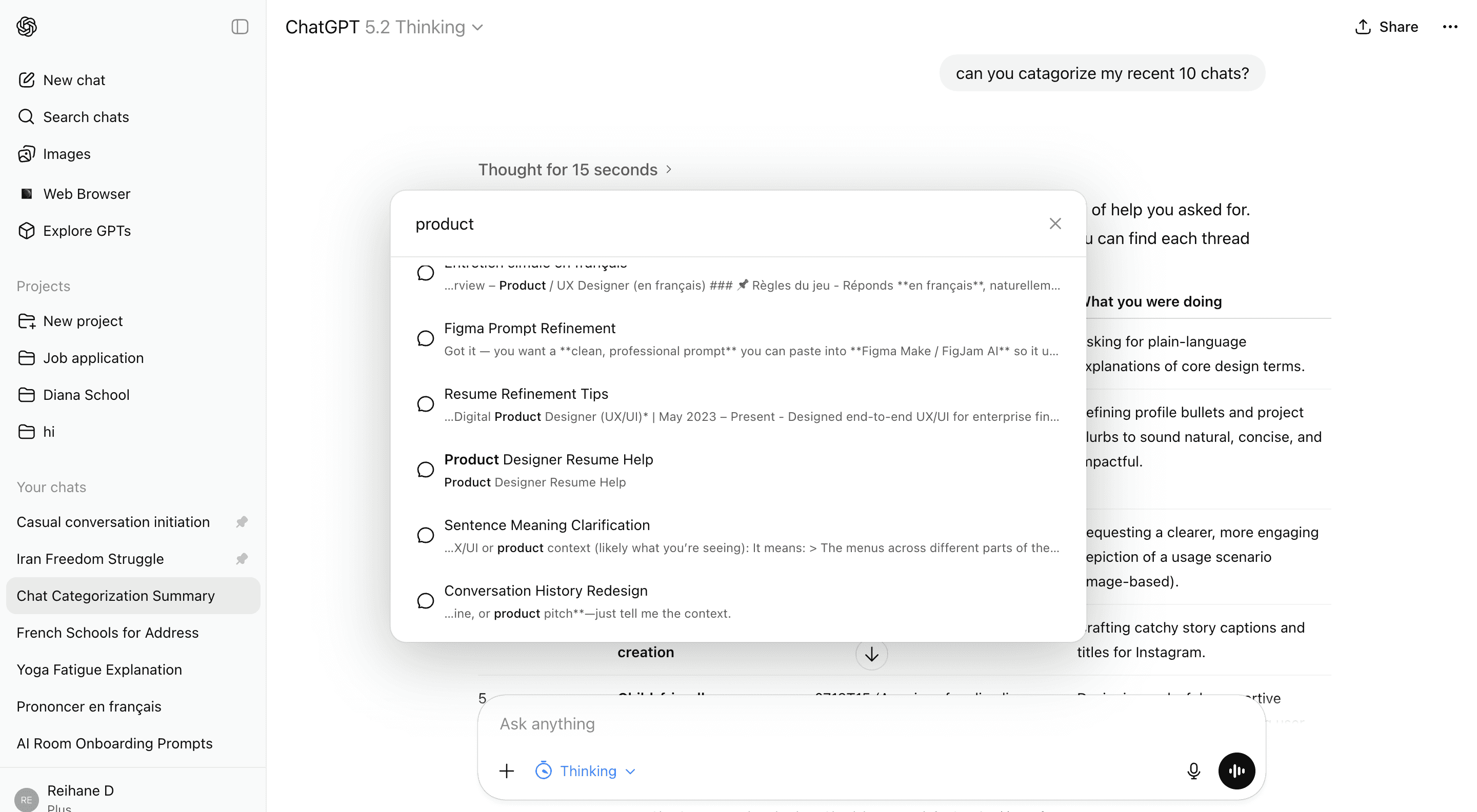
After
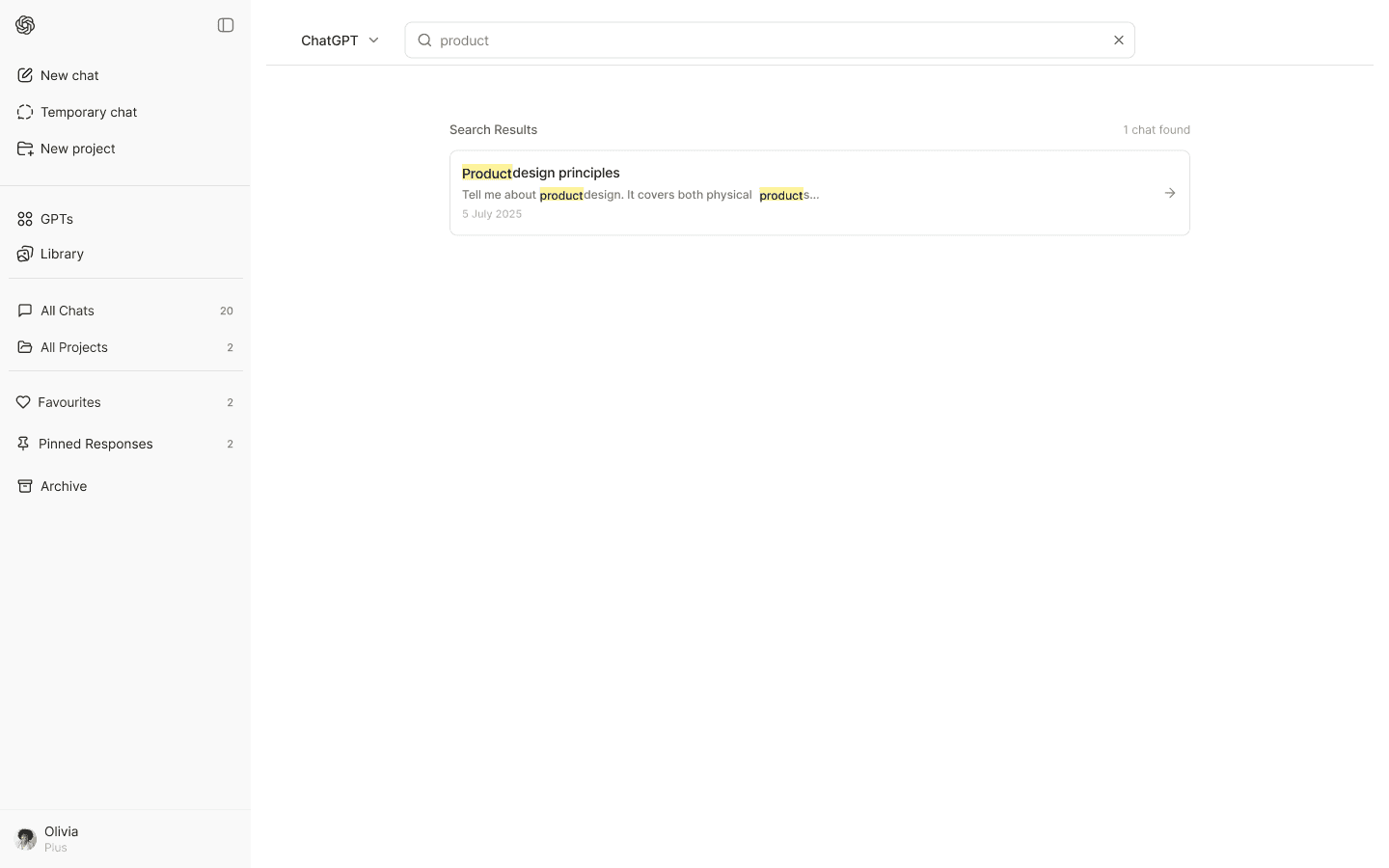
Search is more visible
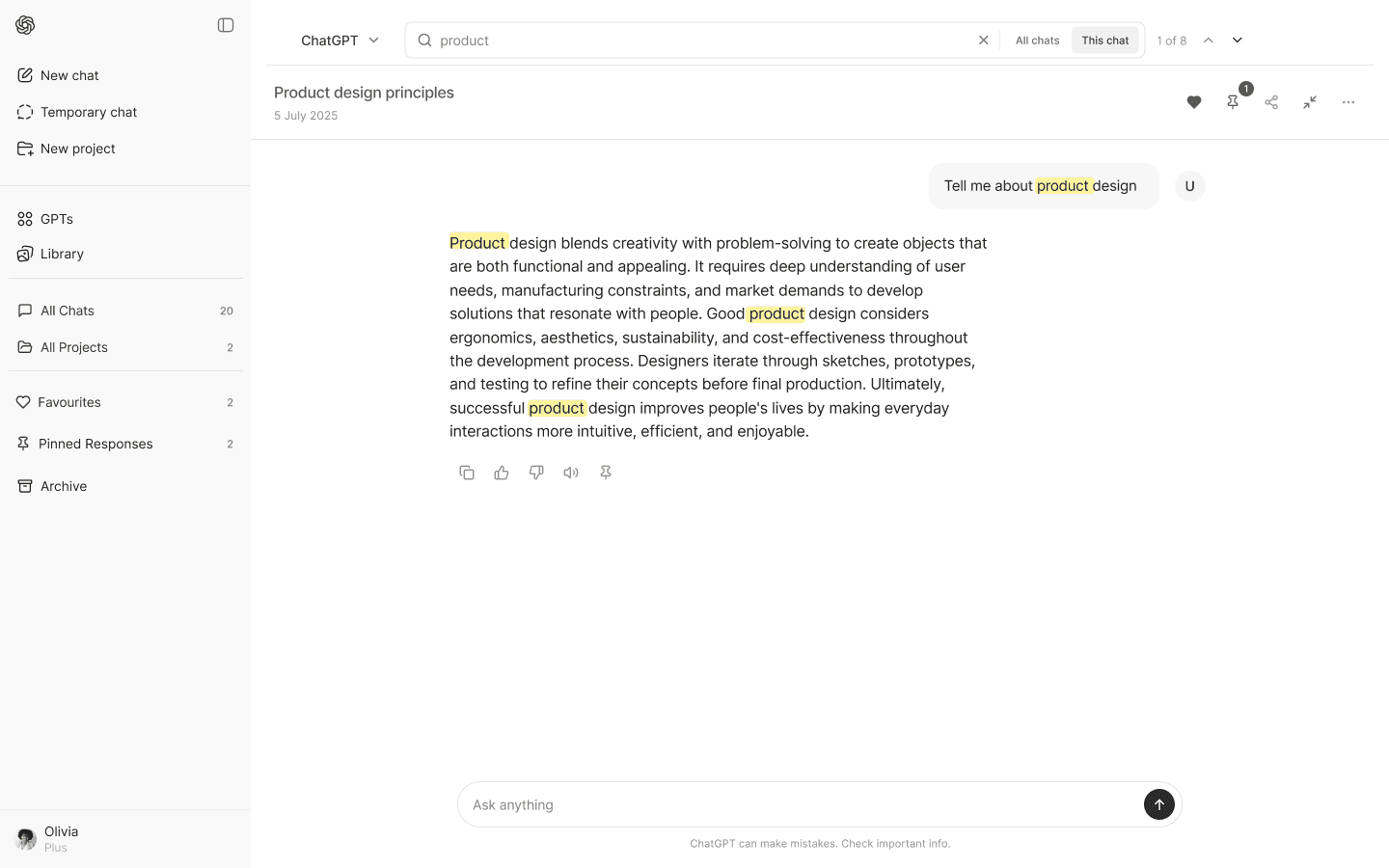
All Chat/In Chat Search
Keywords are highlighted
Temporary Chat

Before
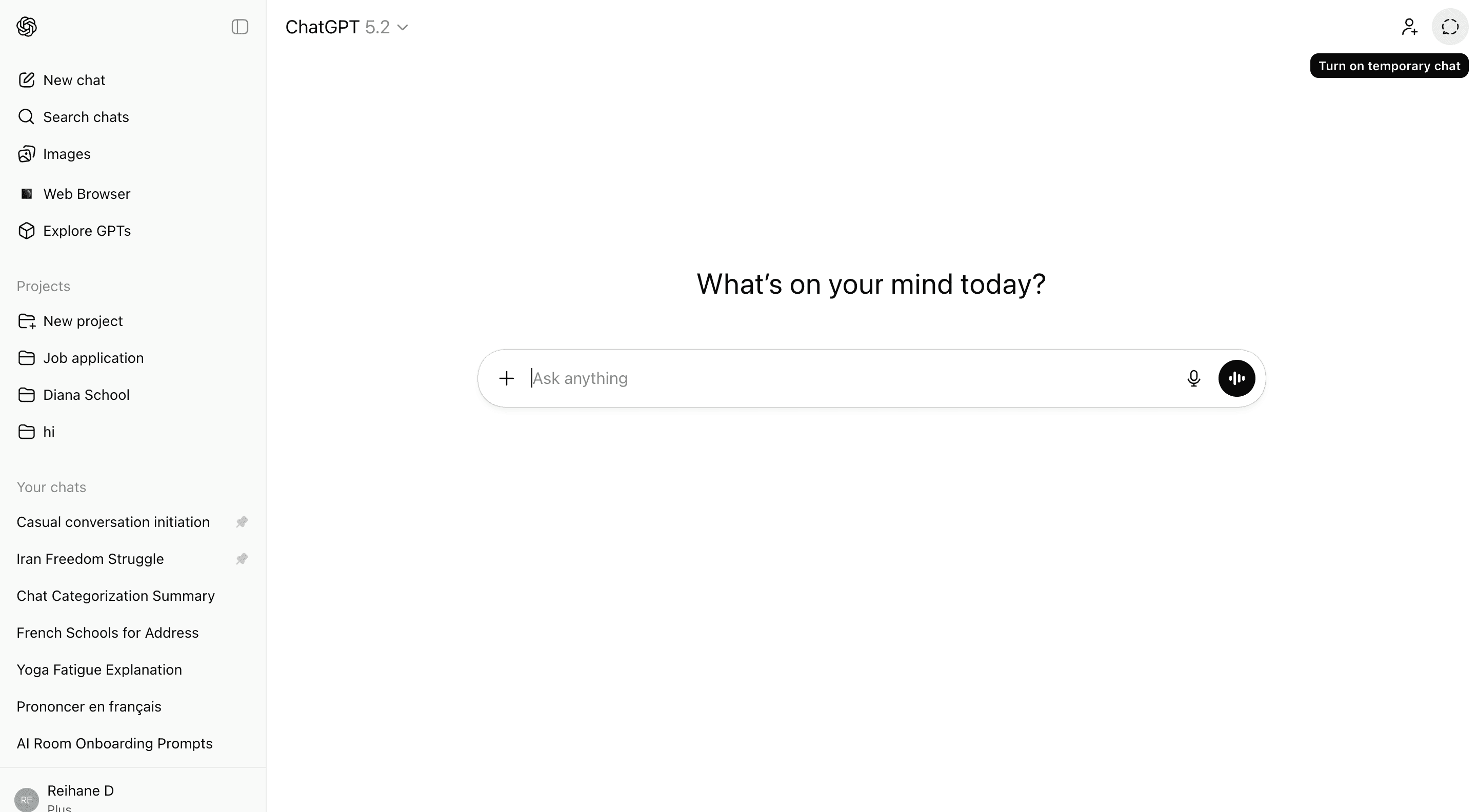
After
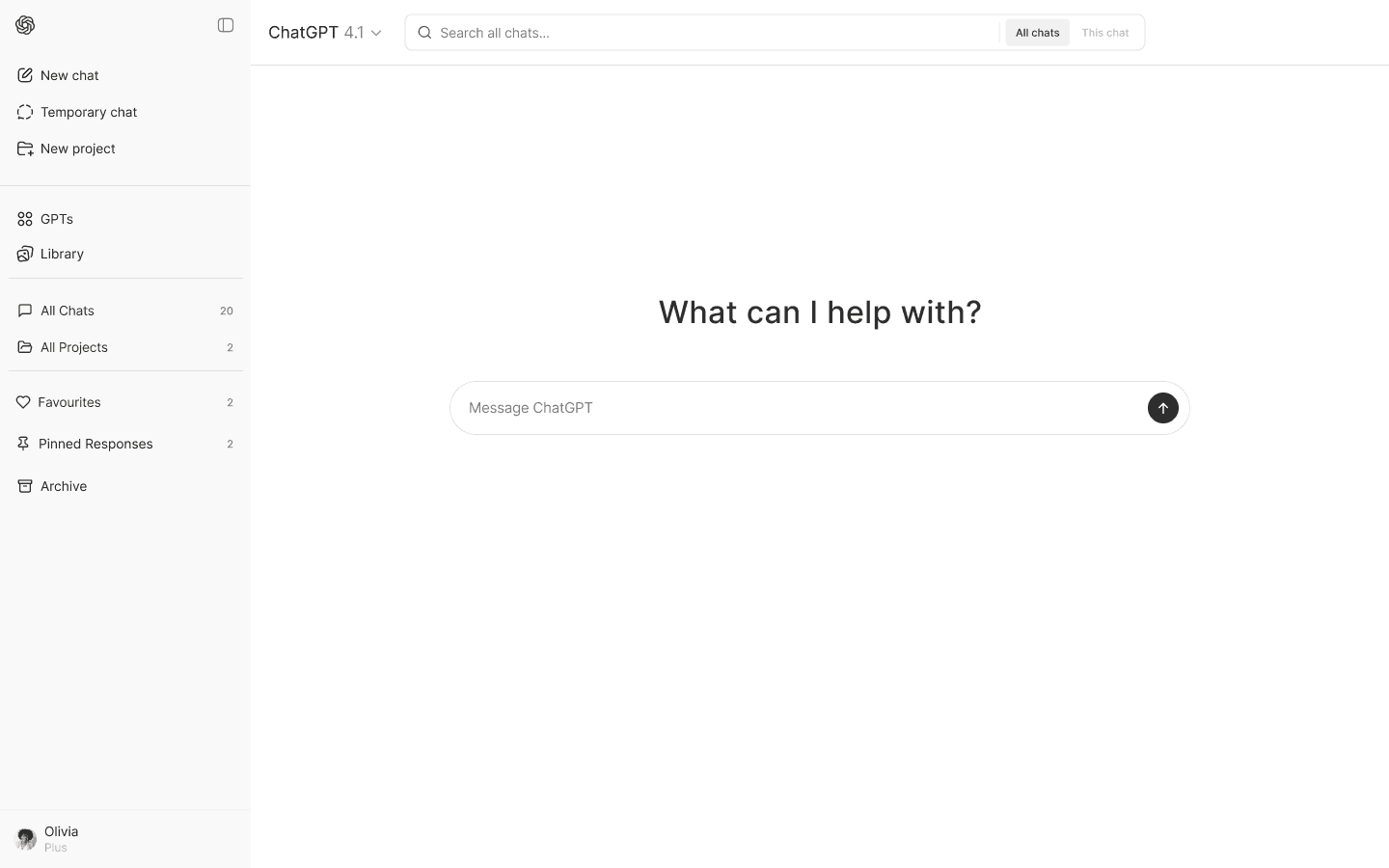
Adding temporary chat
in sidebar next to other actions + containing the text
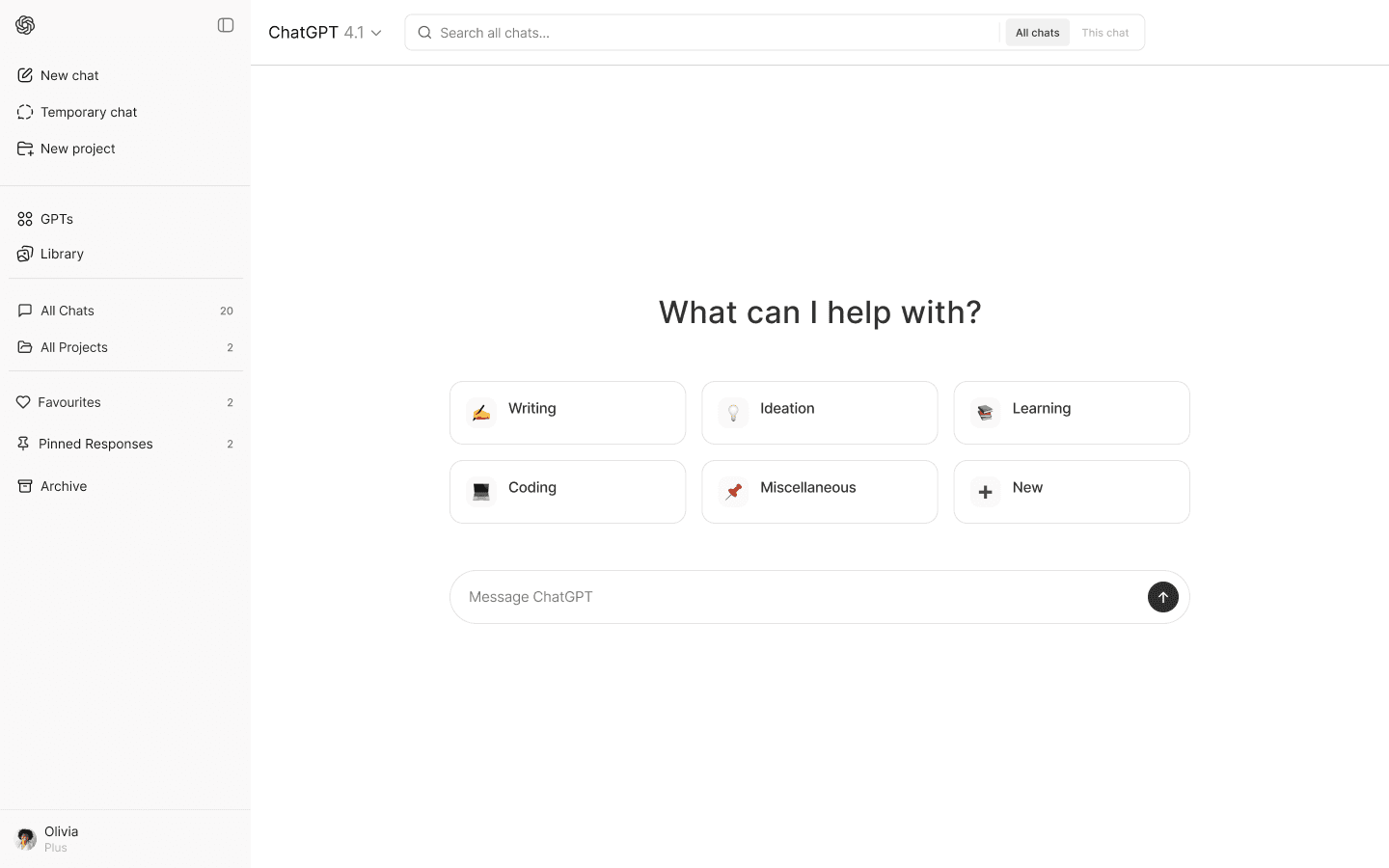
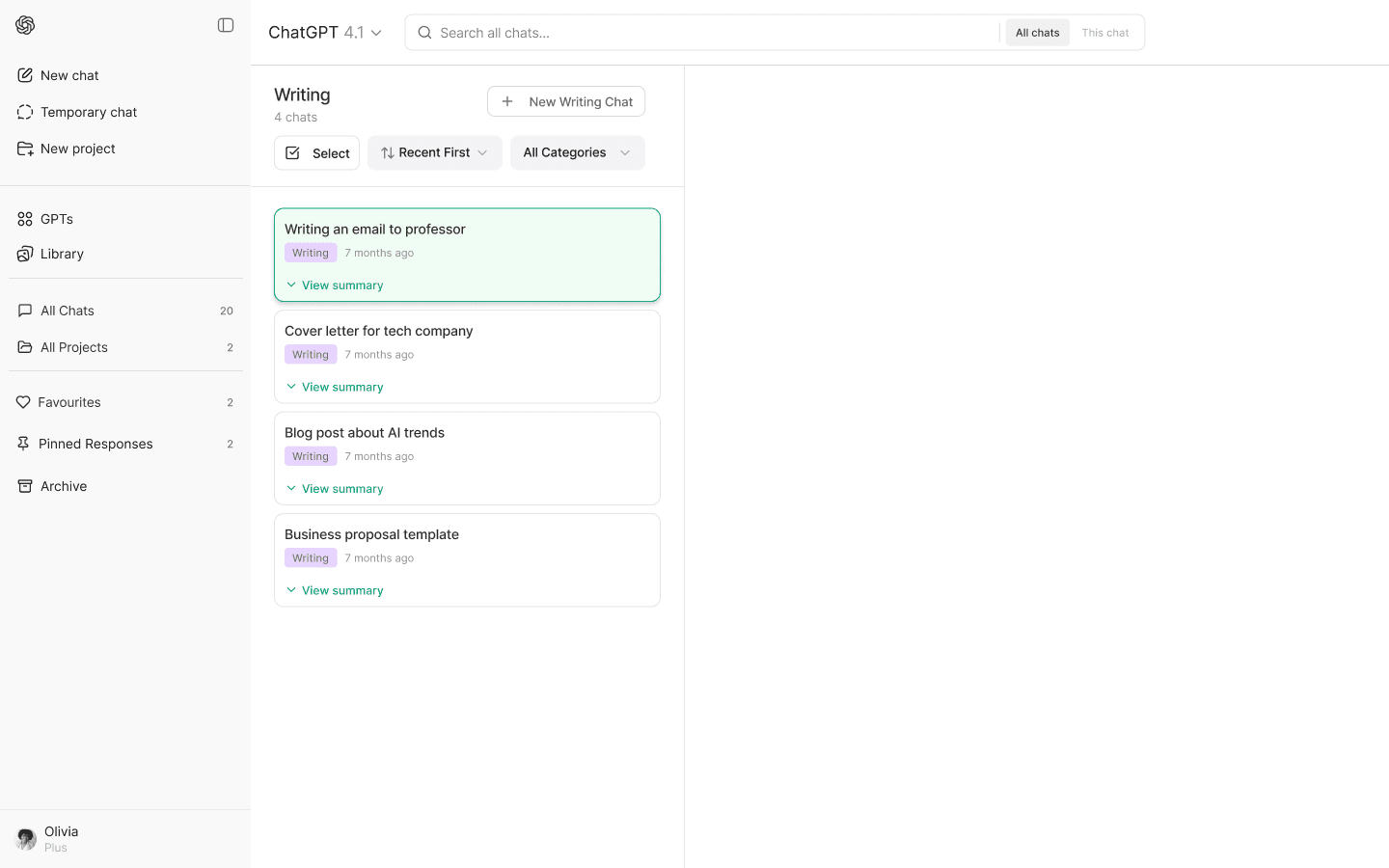
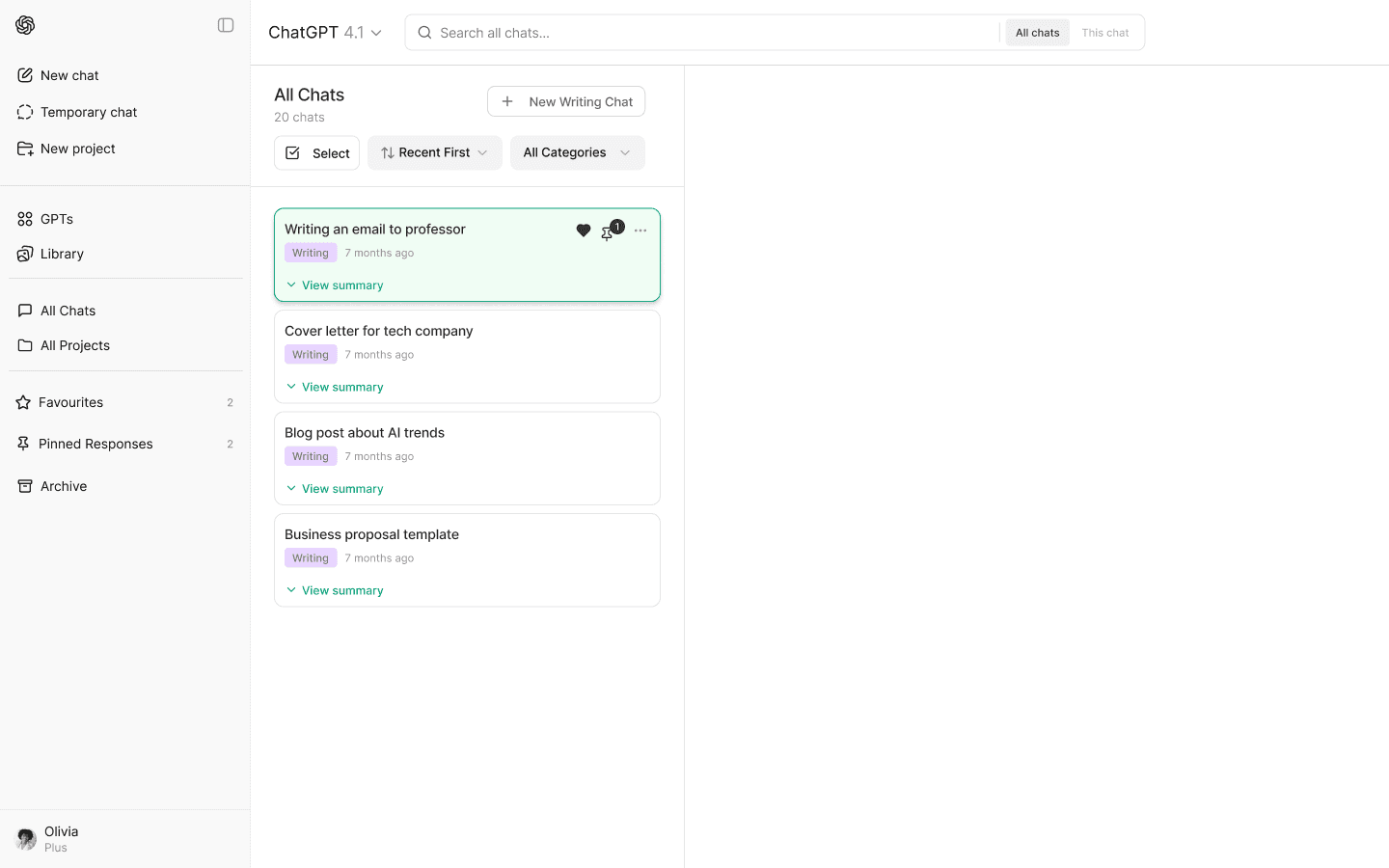
Redesigning Chat Area
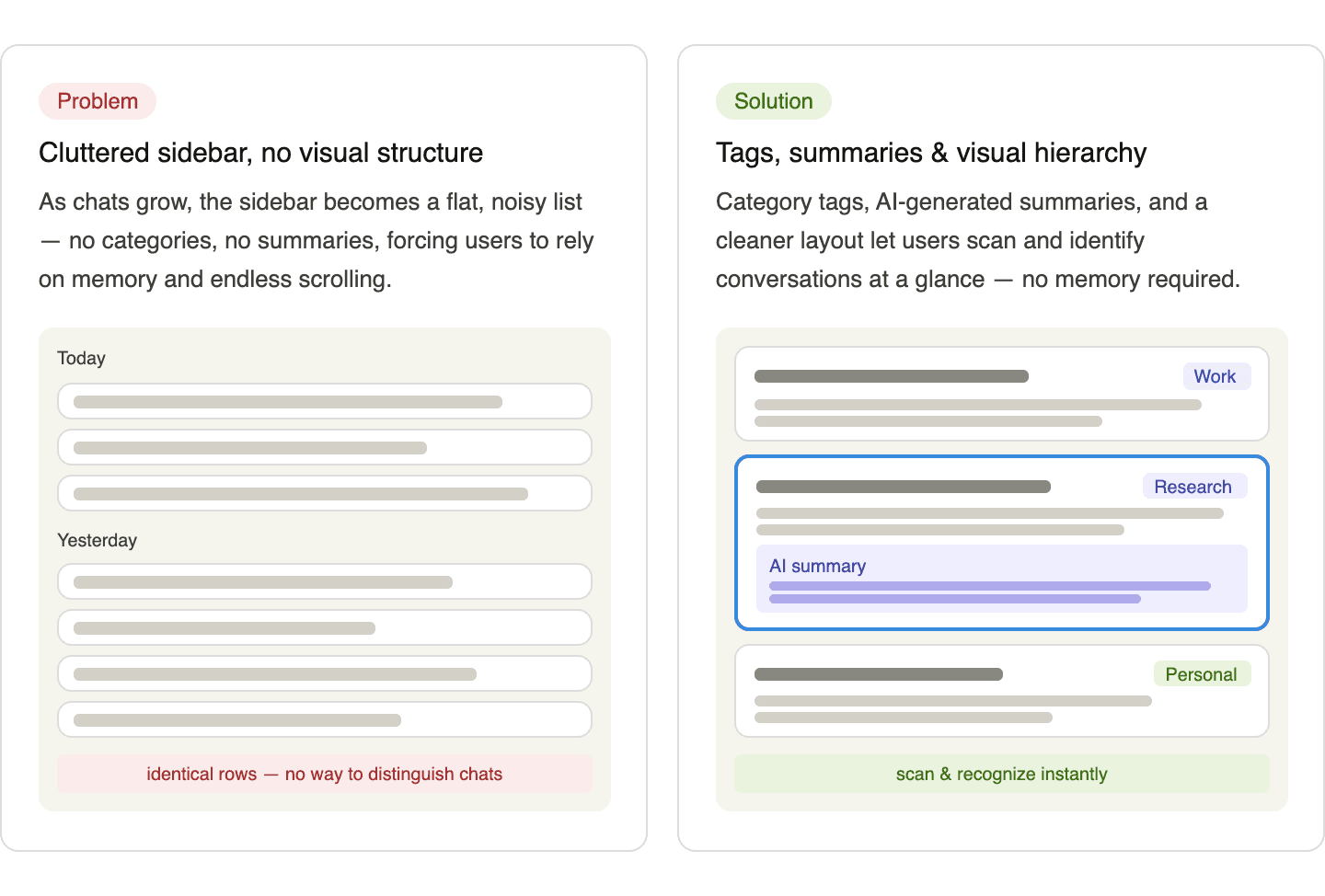
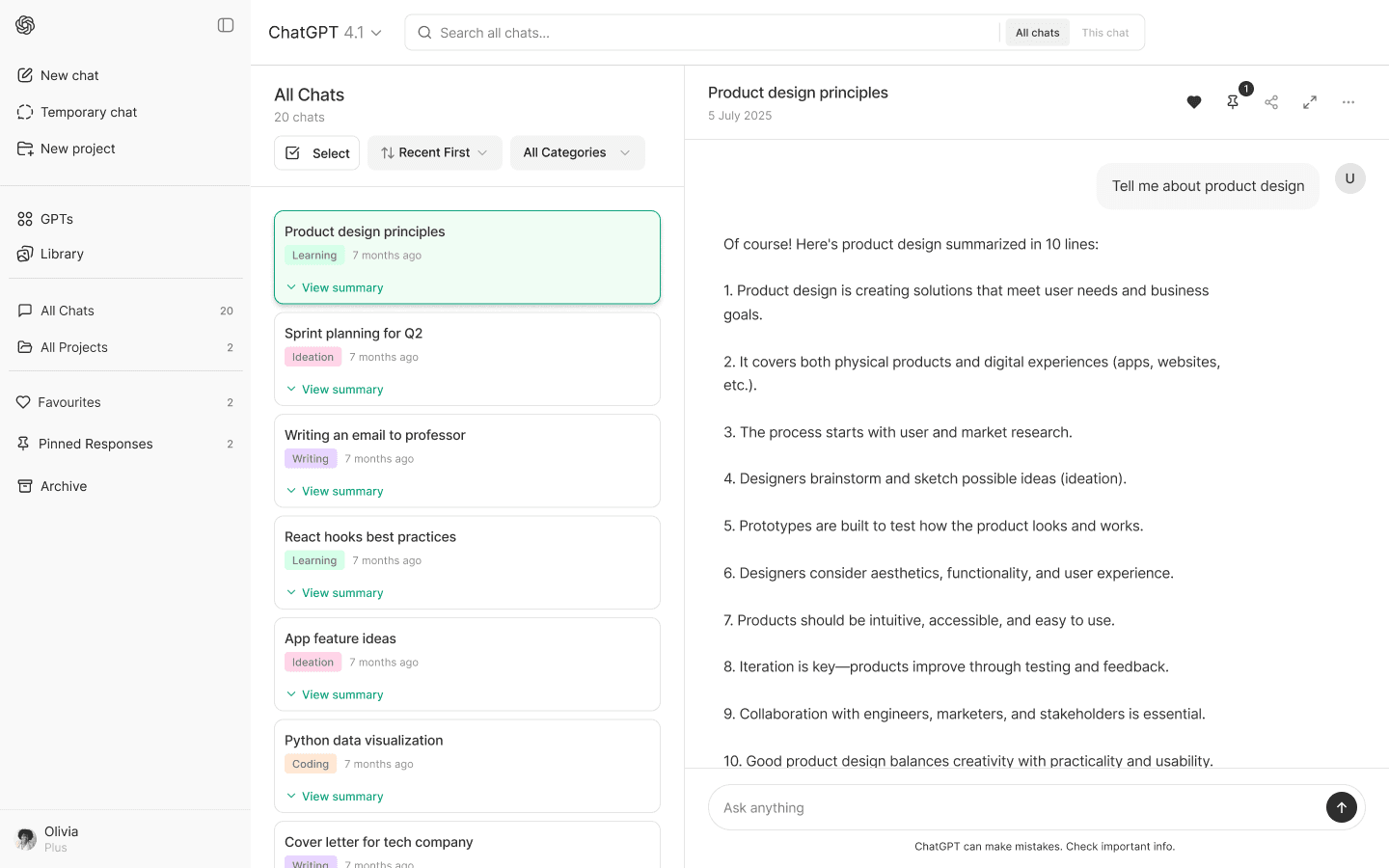
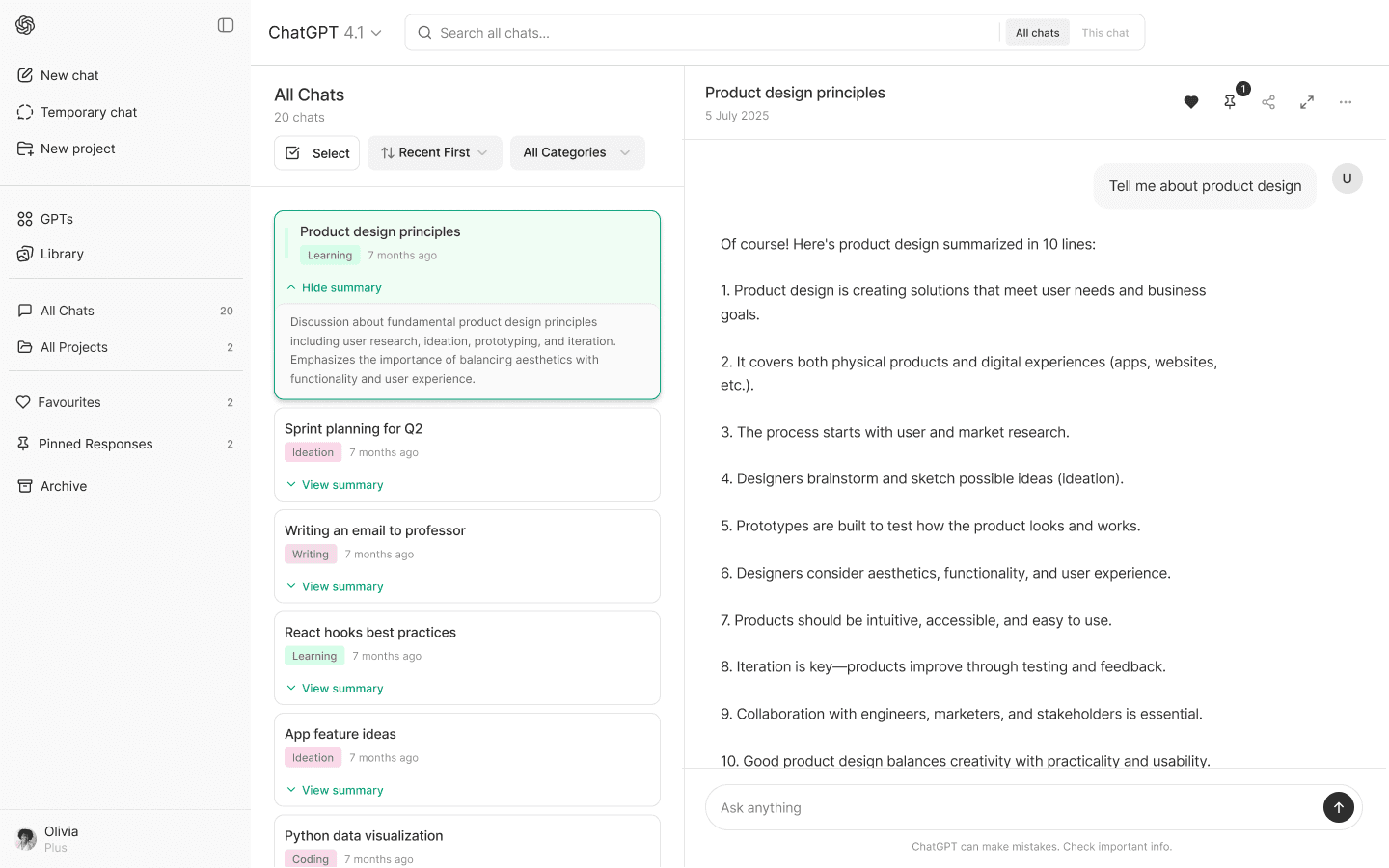
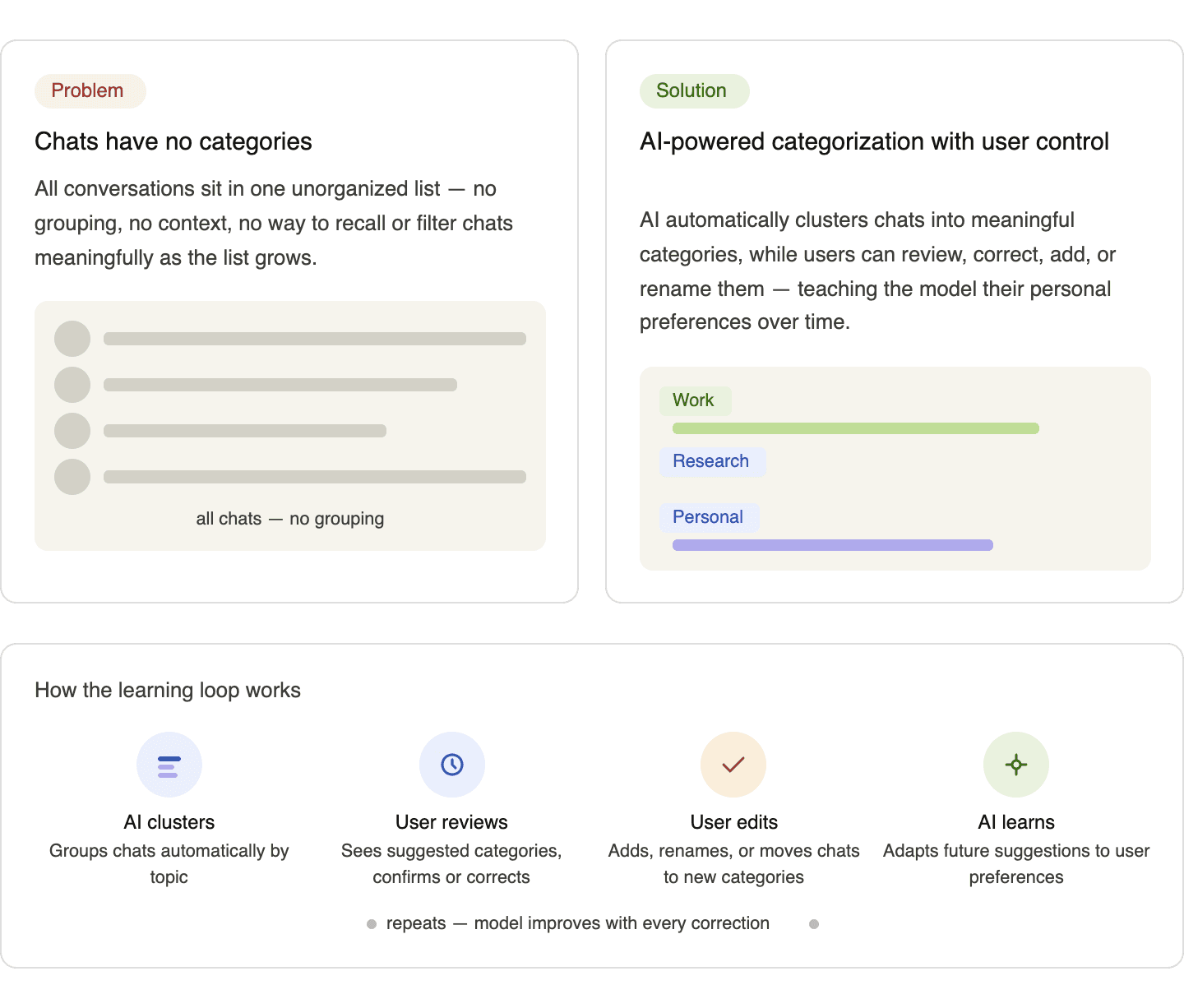
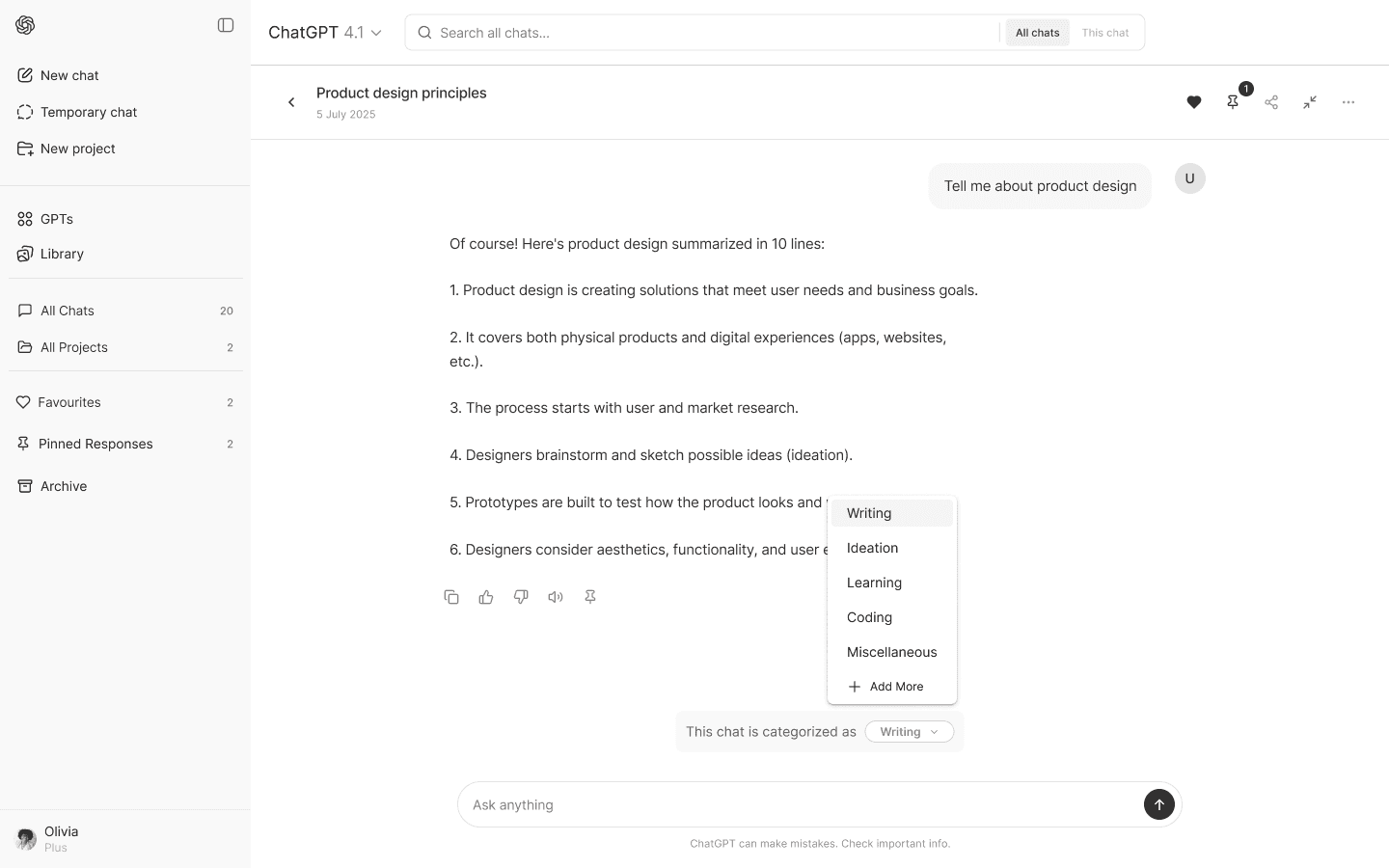
Automatic Clustering +Feedback Loop
(Continues learning)
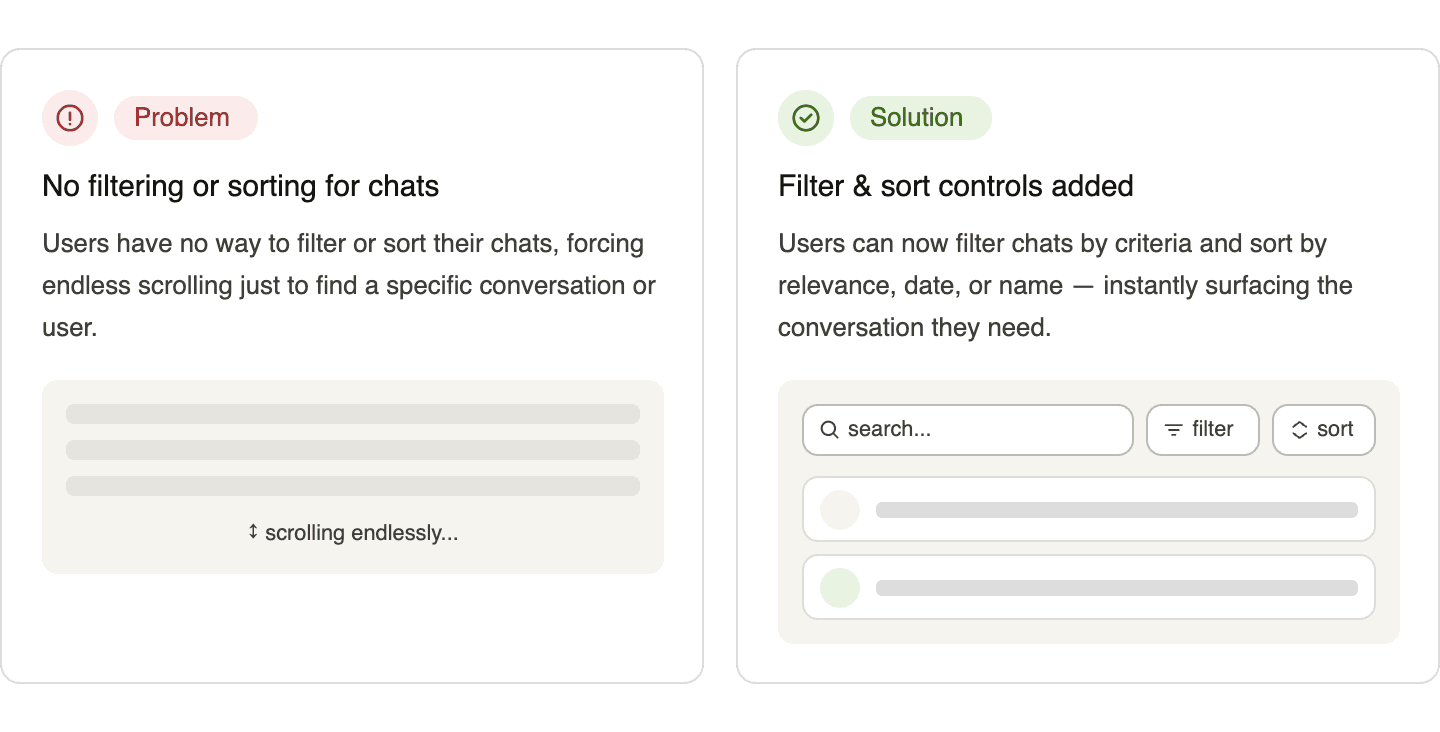
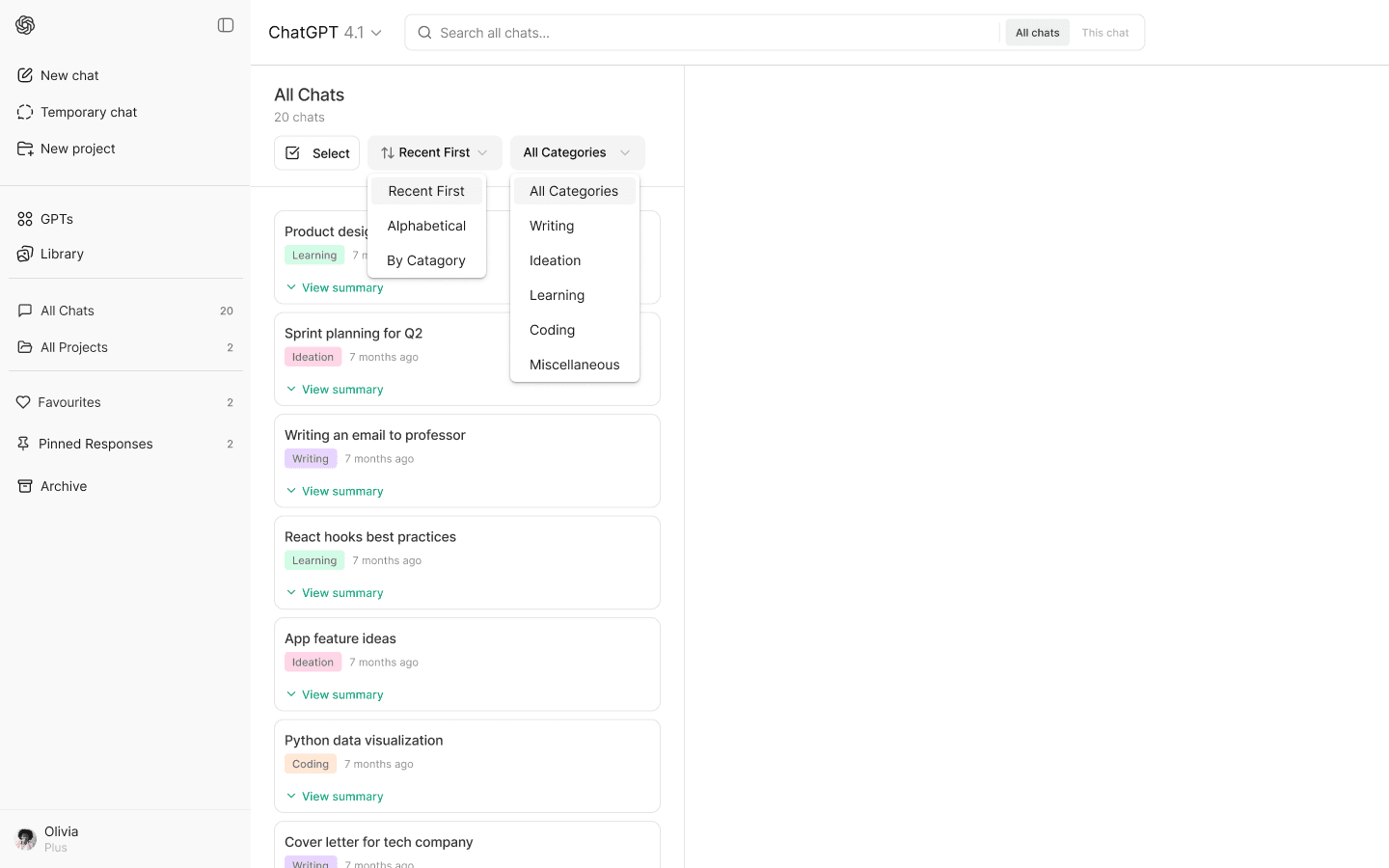
Filter & Sort
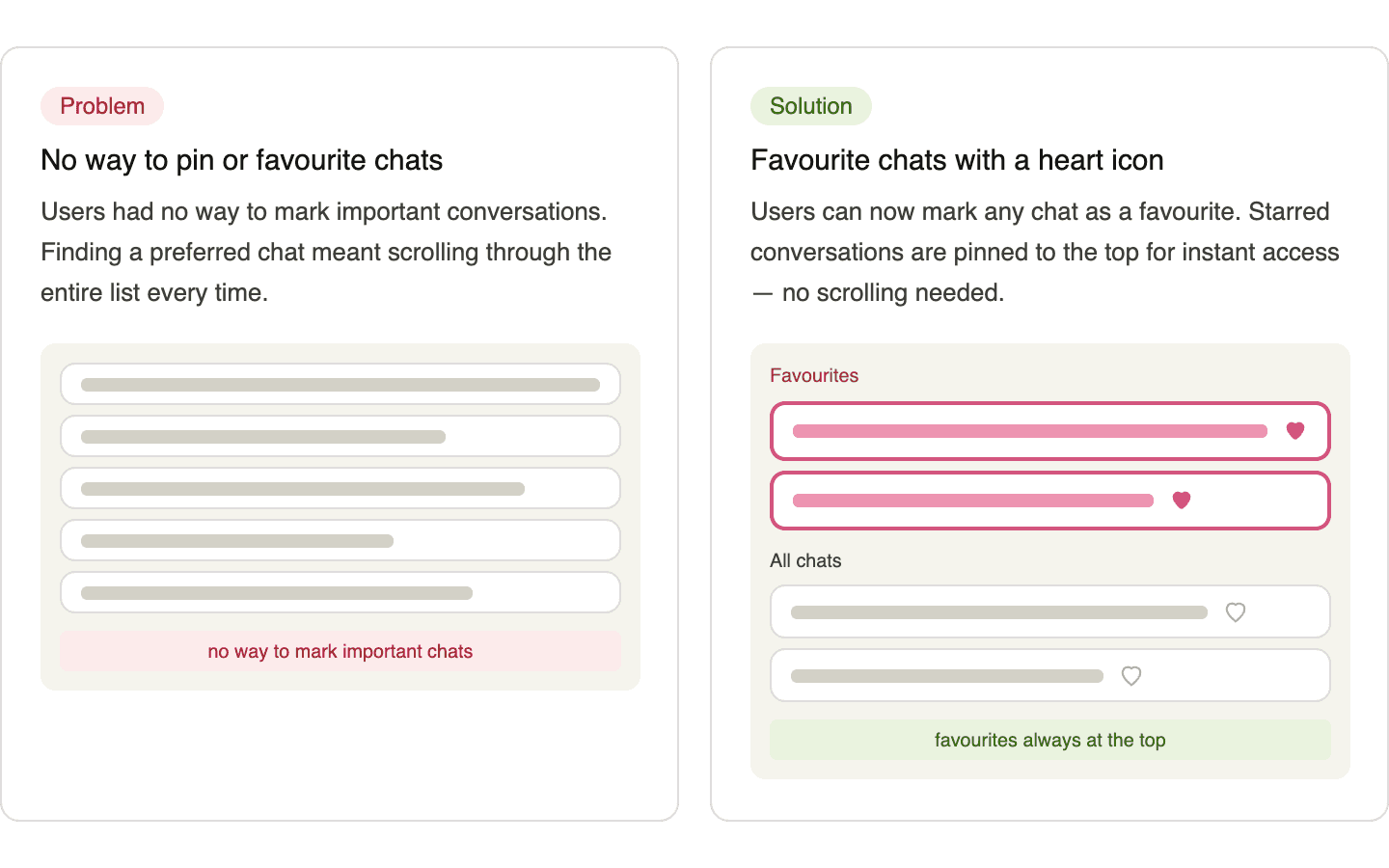
Favorite Chats
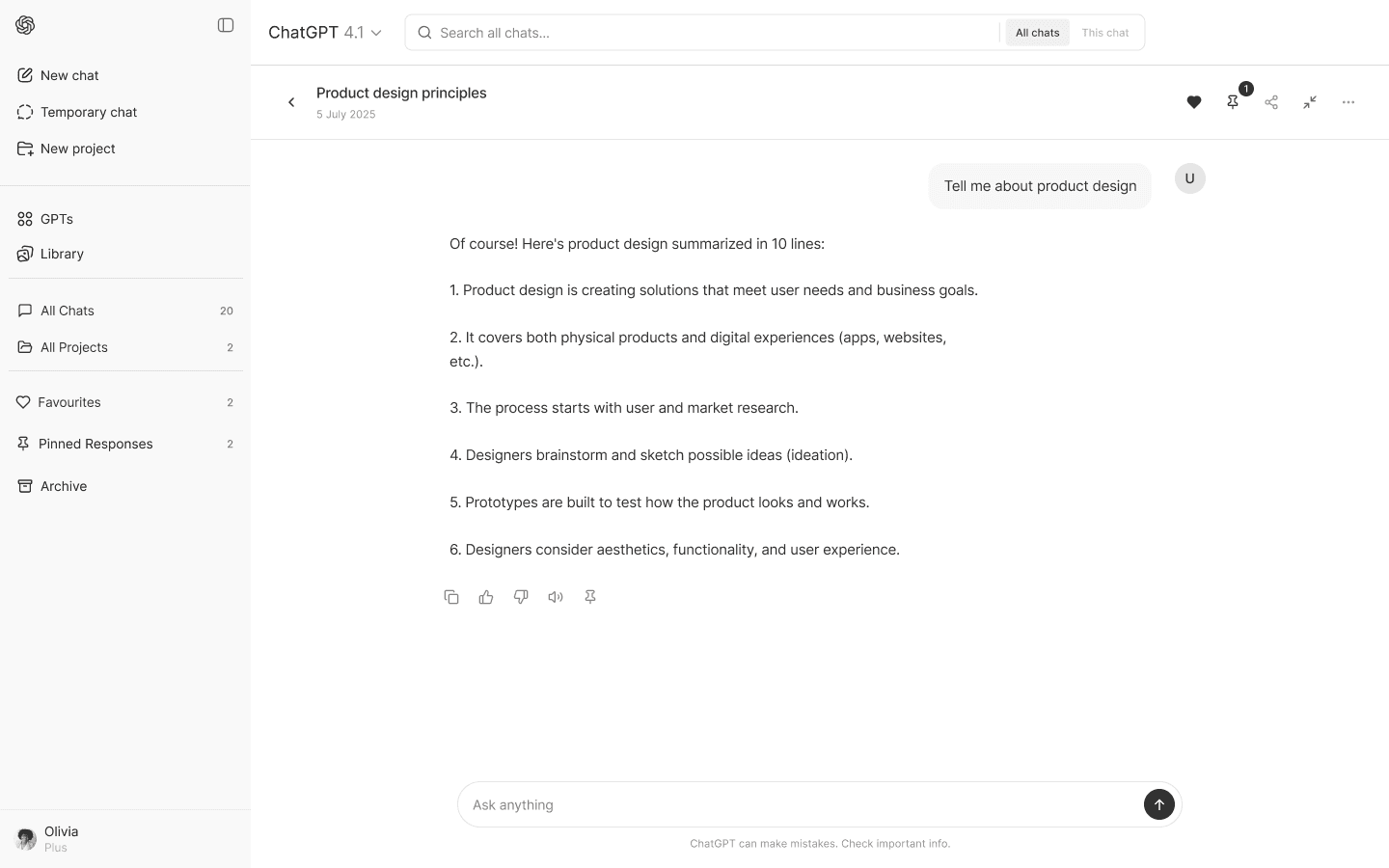
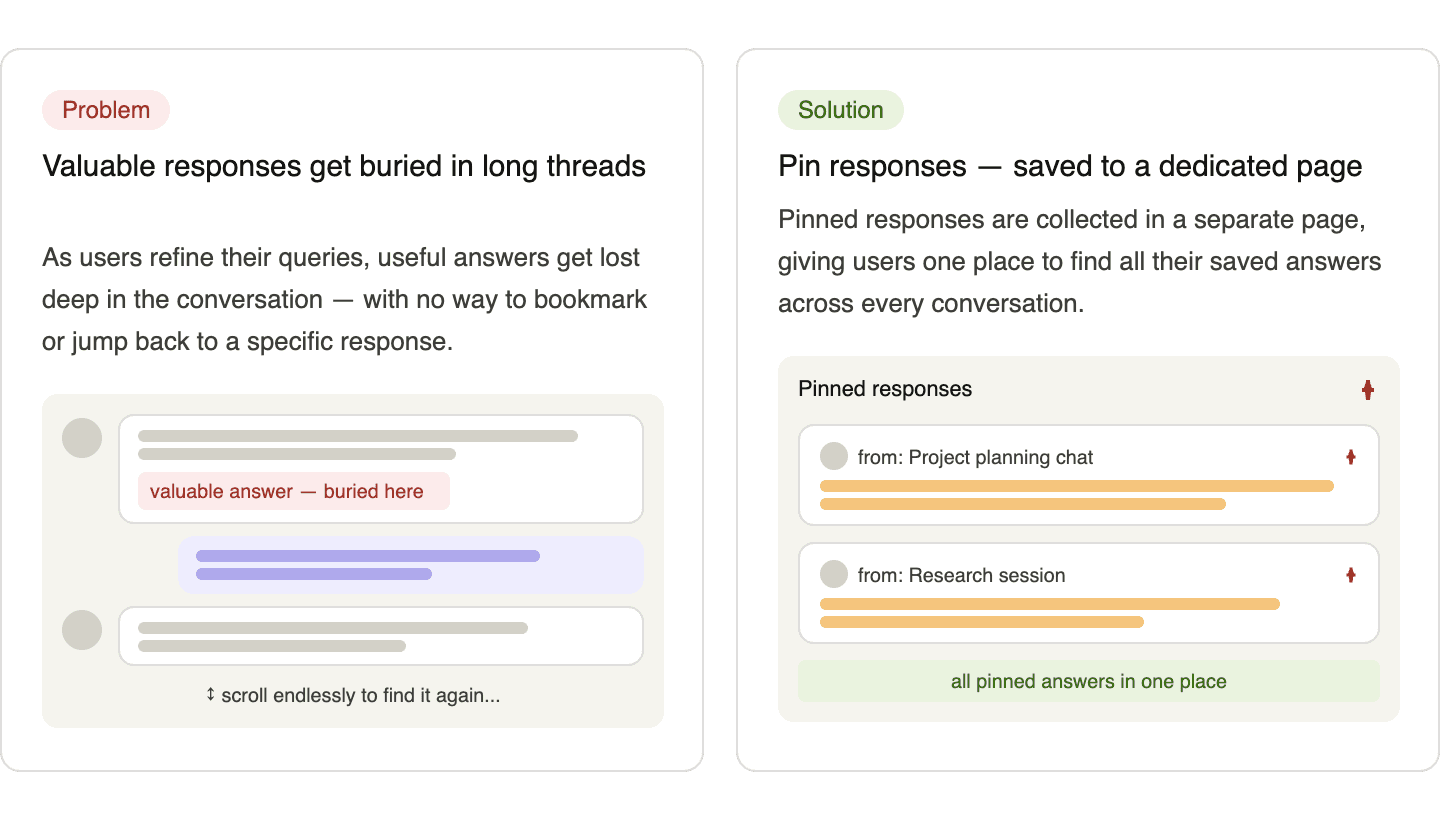
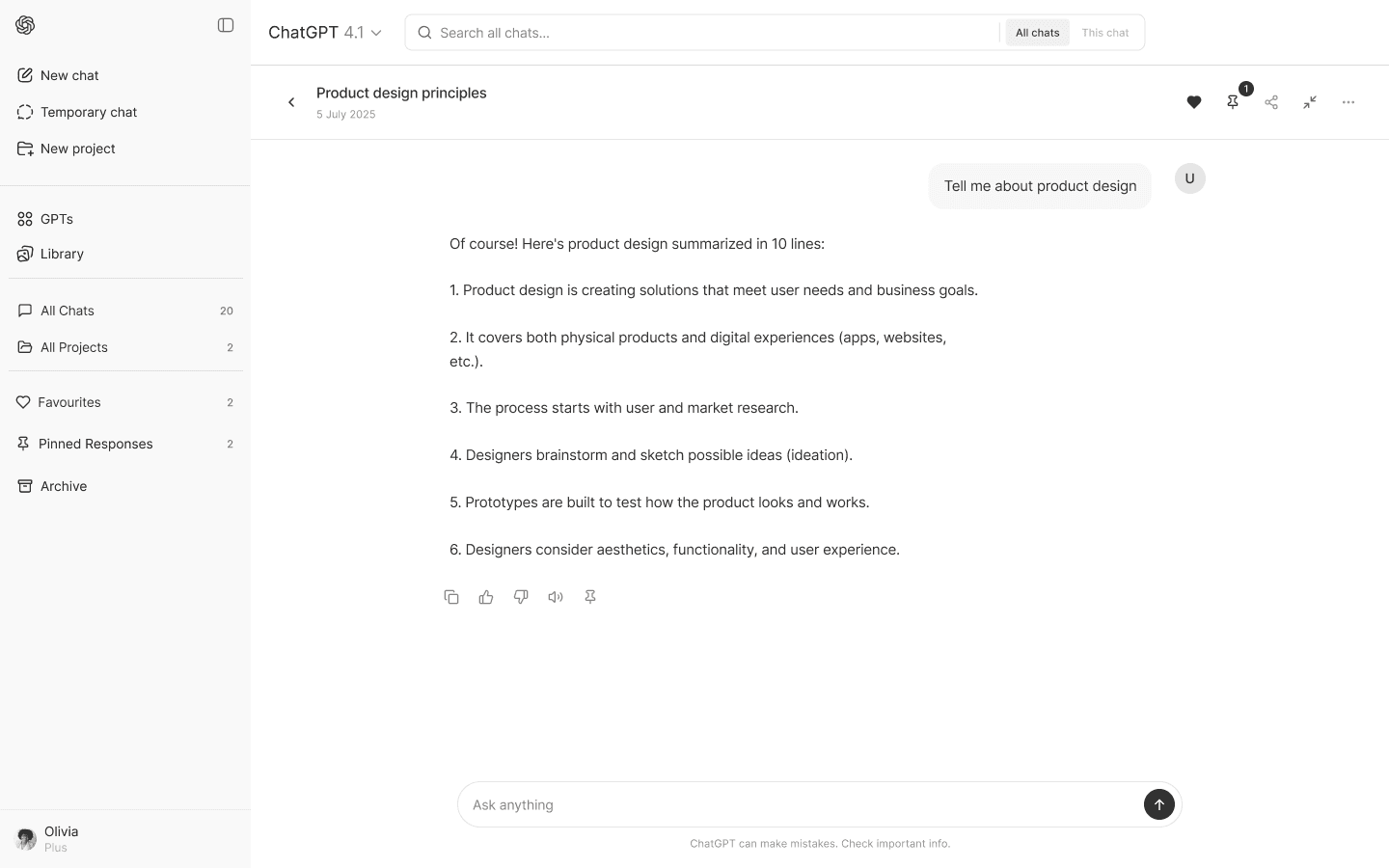
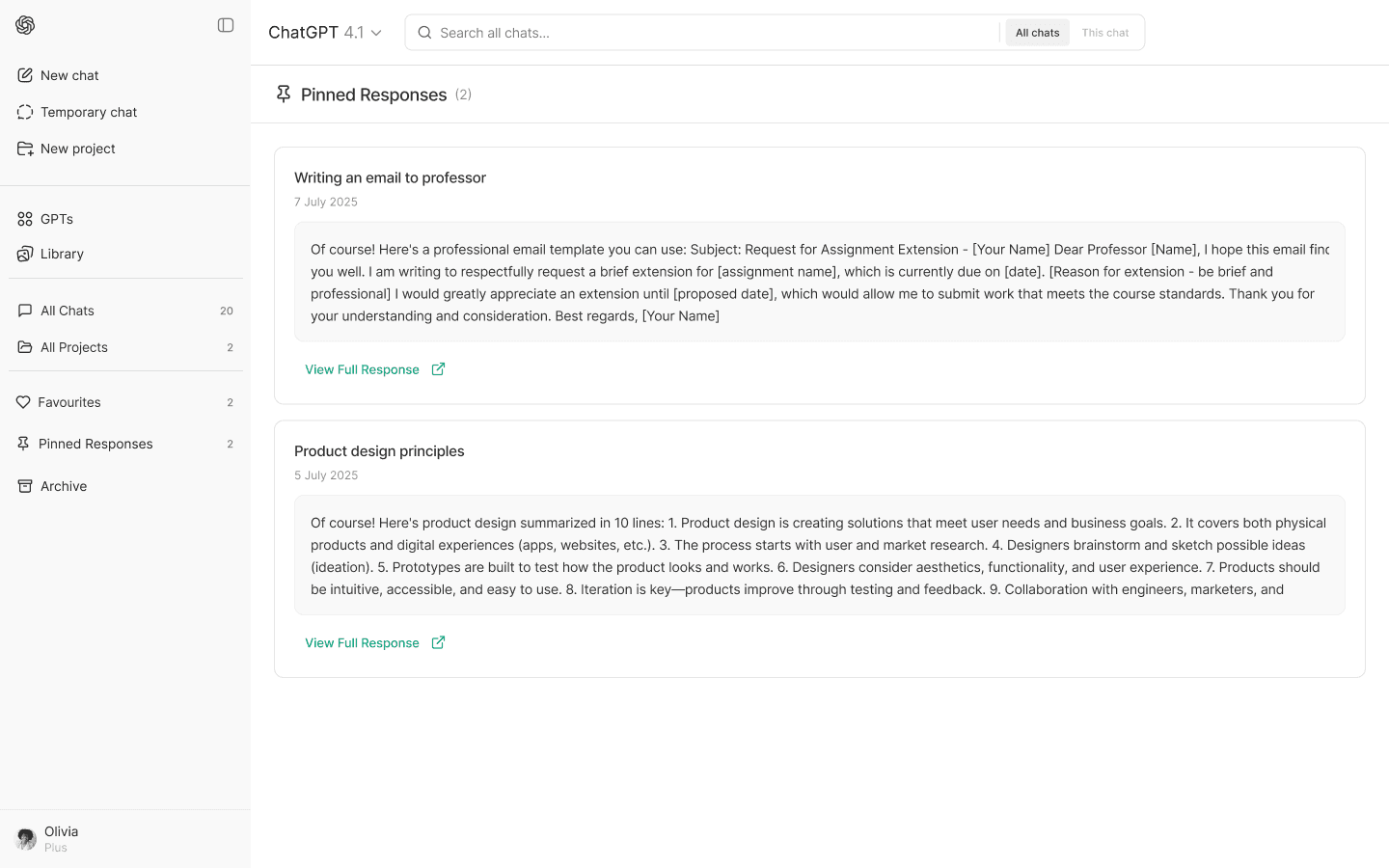
Pin Conversations
Post-Lunch Evaluation Metrics I Would Consider if I was Open-AI Designer
To ensure these new features deliver meaningful improvements, I would measure key success metrics post-launch.
This balanced approach of quantitative and qualitative analysis ensures that the design is not only user-centric but also data-driven, allowing for continuous refinement and growth.
Feature Adoption Rate
Track how many users engage with the search bar, tagging, clustering, and pinning features. This will indicate how often users rely on them.
Time-to-Find Efficiency
Measure how long it takes users to locate a specific chat after searching or using tags, compared to the previous experience.
Session Duration
Analyze whether users spend less time scrolling and more time efficiently finding relevant conversations.
User Satisfaction
Conduct follow-up surveys to assess how users feel about the ease of finding and organizing chats, and if their overall trust and efficiency improved.
Clustering Accuracy and Personalization
Evaluate how well AI auto-clusters chats, and track how user feedback on categories improves personalization over time.
section